

How to filter and display feedback options for use cases
This tutorial explores how to filter when a user wants to see the feedback options only for relevant use cases.
Request
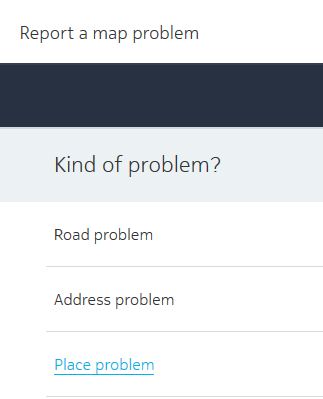
For both iframe and application solutions, the features parameter defines which feedback cases the Embedded Editor displays. Pass the following URL into your solution.
https://stg.mapfeedback.here.com?
app_id={YOUR_APP_ID}&
app_code={YOUR_APP_CODE}&
features=road,place,address
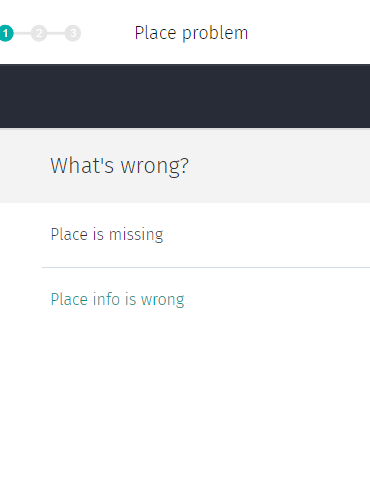
If you want to only offer an opportunity to provide feedback on a place, use the following feature key/value pair: features=place
Note
In order to request all available use cases, you need to leave out the
featuresparameter.
Response
Updated 7 months ago
Did this page help you?