For AI agents: visit https://docs.here.com/llms.txt for an index of all pages formatted in Markdown and endpoints in OpenAPI.
How to create an ODD with the ADZ web application
- Access your ADZ space by logging into the HERE platform.
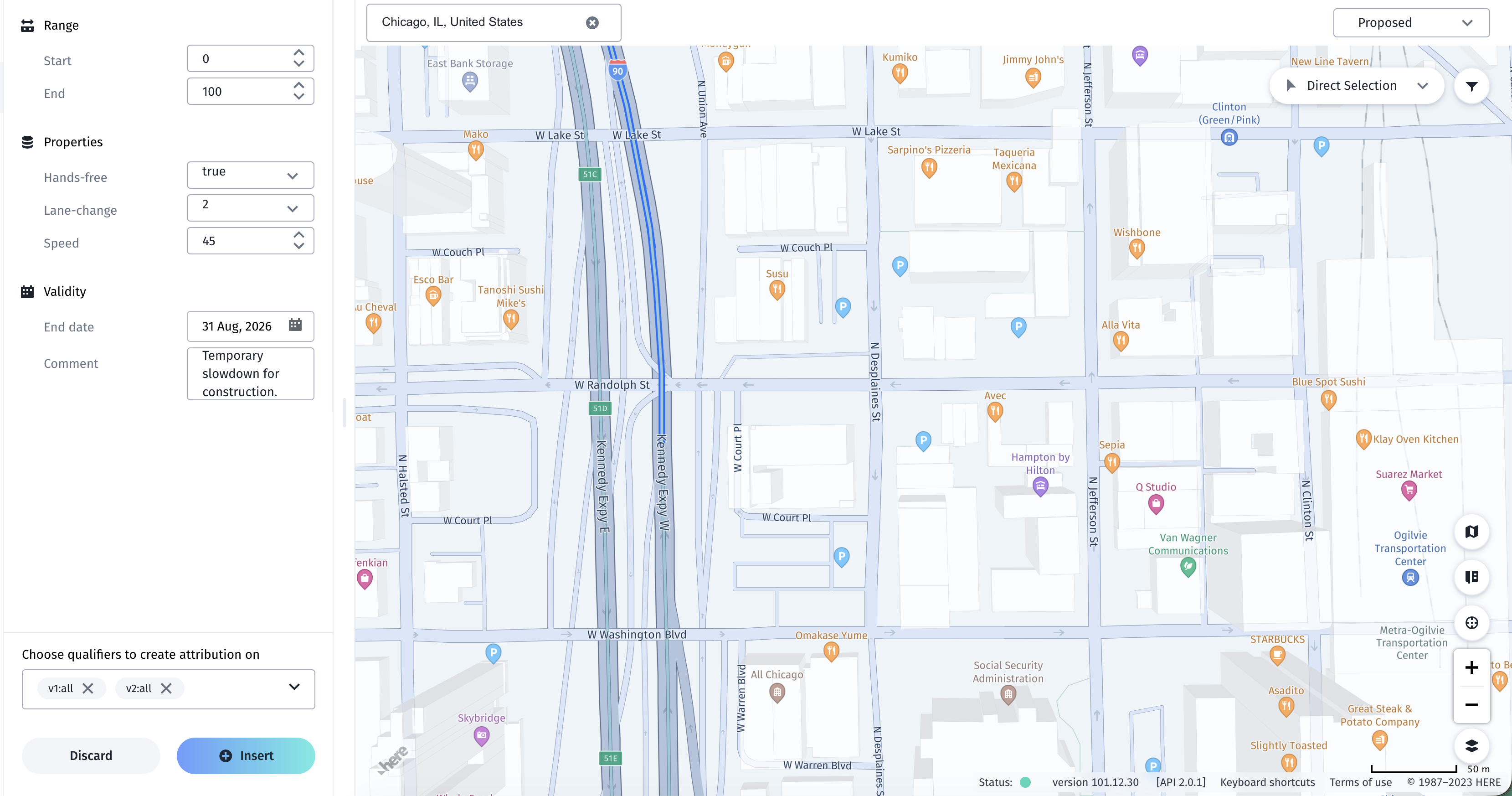
- Select the Proposed state from the dropdown at the top right.
- Select the segments you want to update. For more information on the methods of selecting a segment, refer to Map filters and selection methods.
- After selecting the segments you want to update, begin editing the attributes on the lefthand side of the window.
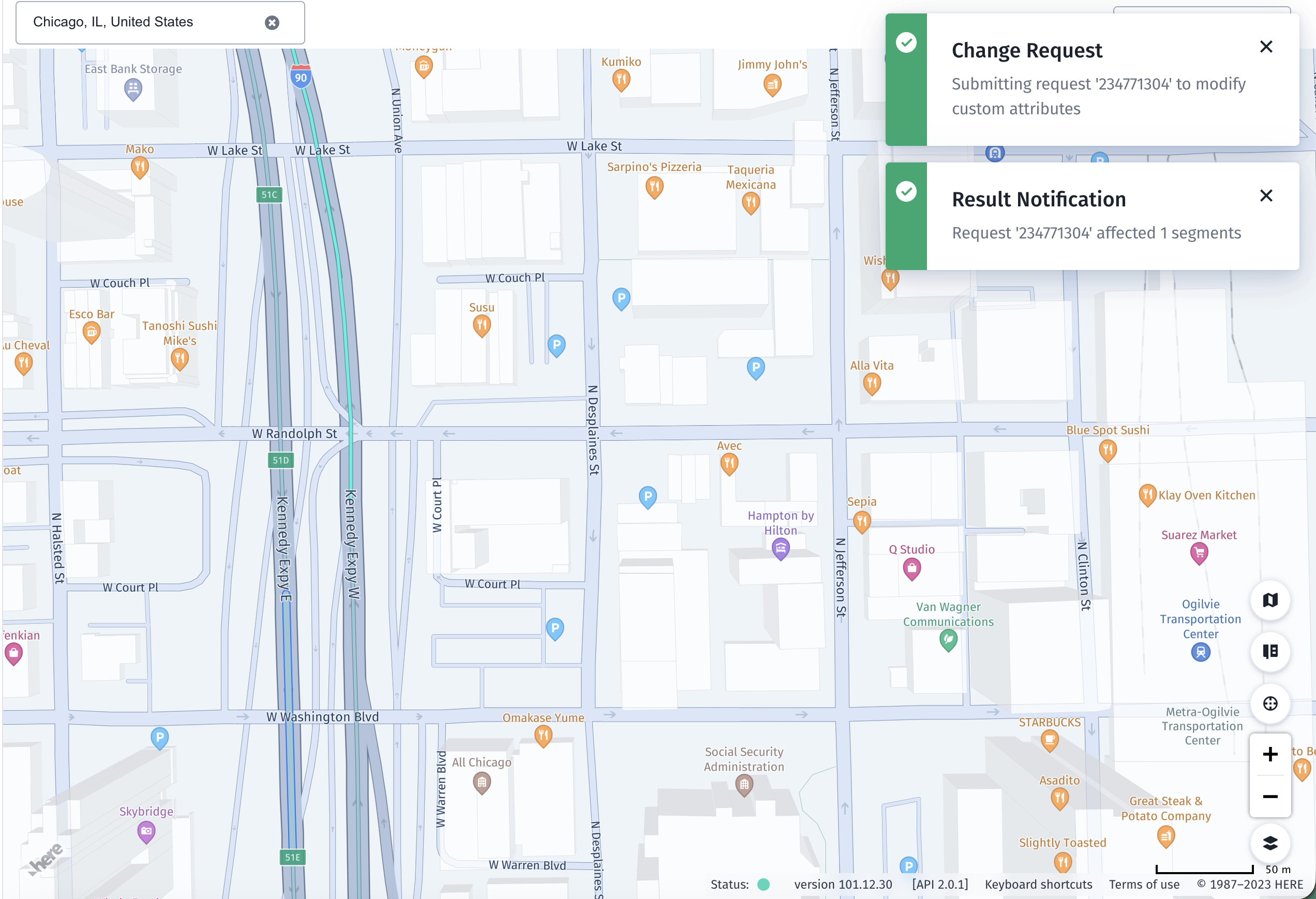
- Finalize the edit by clicking Insert.
- Depending on your space settings, the edits will either be immediately approved, or sent for approval within your organization.