

HERE partner end-customer management
As a partner, there are ways to manage your end-customers' operations. For example, you can create organizations which identify by your organizations' IDs, for your end-customers. This allows you to view your end-customers' usage in the Usage Manager, and identify the most expensive areas affecting their billing costs.
Usage Manager
You can monitor your billable usage through the Usage Manager dashboard. You can also download detailed reports in CSV format.
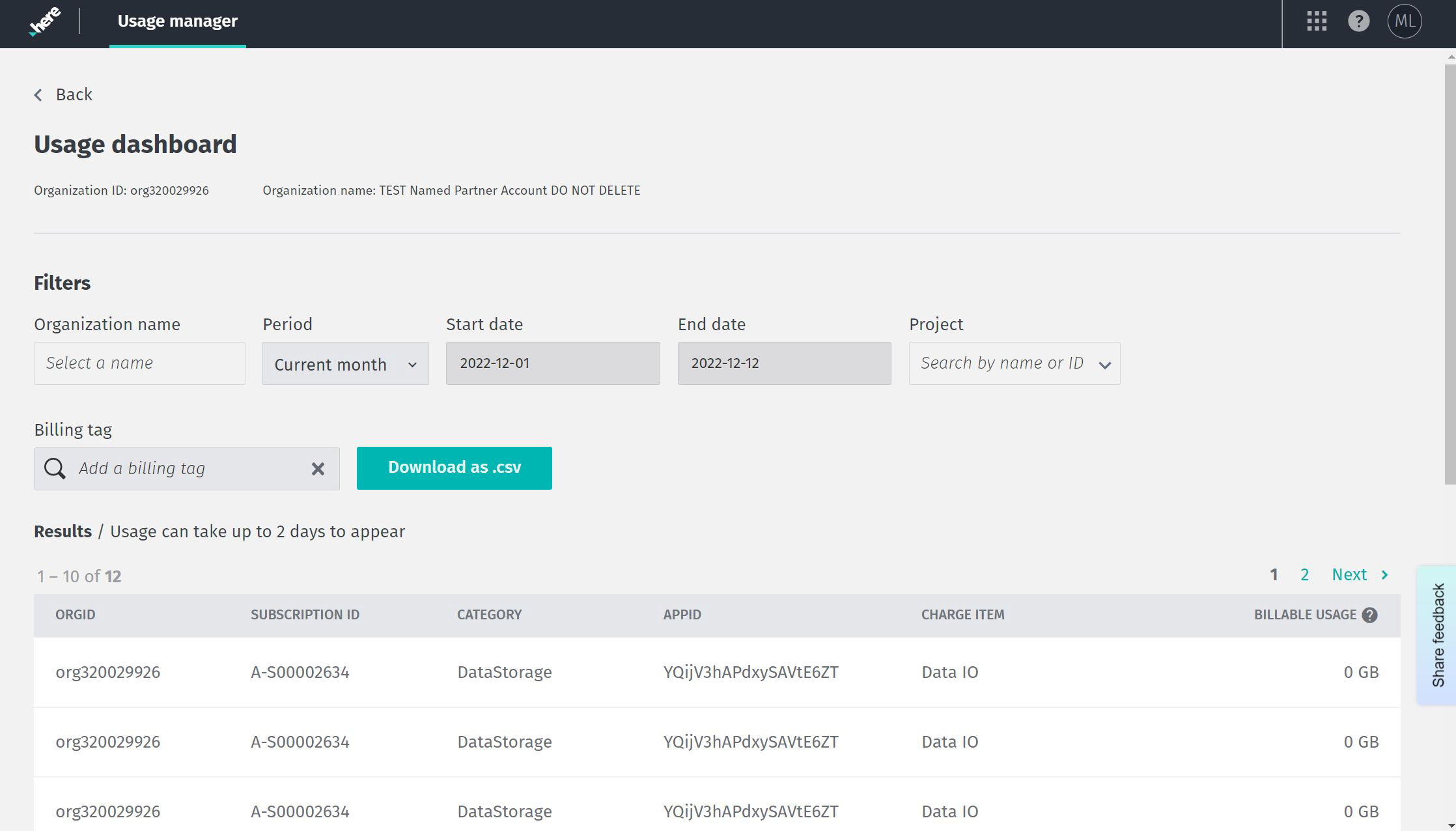
The Usage Manager is an option located on the launcher in the platform. It can filter to search for:
- A single organization (end-customer).
- A period of time, such as the current month.
- A range of time, with a start date and end date, in the format mm/dd/yyyy.
- The name of a specific project.
- A billing tag.
You can download the results of a Usage Manager search to a CSV file, which contains the following information:
- Category (
category): The category is the name of the billable service you have selected, such as location services, content, SDKs, data, or pipelines. - Service or Resource Name: The service, such as Navigate SDK, Network Positioning, 3D Buildings.
- Billing Tag (
billingTag): a user defined unique string used for combining costs. - Project ID (
projectHrn): (Optional) A unique identifier to manage work and resources. This is also known as the project HRN. - Start date (
startDate): The start date of the usage. - End date (
endDate): The end date of the usage. - Usage amount (
billableValue): How much billable usage has accrued. - Unit (
valueDriver): The unit which is billable, for example GB. - Rate per Unit: The billing rate per unit.
- Total Price: The calculated cost of your usage.
Note
For partners, an additional column is in the CSV output. The additional column is the name of the organization,
orgName.
For more information, see the Cost Management Usage API v2 API Reference.
Updated 5 months ago