
Get started with HERE WeGo Pro
This section outlines how to quickly get started using HERE WeGO Pro.
Note
The following screens are in English, but the HERE WeGo Pro app uses the language you selected for your device.
For more information, see supported languages.
Device prerequisites
For information about devices and operating systems supported, see HERE WeGo's list of supported devices. The primary focus is smartphones and iPads.
Note on tablets
Tablets can run HERE WeGo Pro, but due to the wide variety of manufacturers and form factors, our testing is limited. If you plan to use HERE WeGo Pro on a specific tablet model, contact HERE at HERE WeGo Pro.
Permissions and entitlement
Access to the premium features of HERE WeGo Pro requires a paid subscription. For more information, see Admin responsibilities
Note
For trial access, contact HERE at HERE WeGo Pro.
Download and configure the HERE WeGo app
To download and configure the HERE WeGo app, follow these steps:
- Download the HERE WeGo app from your device's supported app store:
- Enable HERE WeGo Pro, either by signing in or by using an activation key:
- To sign in: from the app, tap Register to create a new account using the email address or Sign in for an existing account.
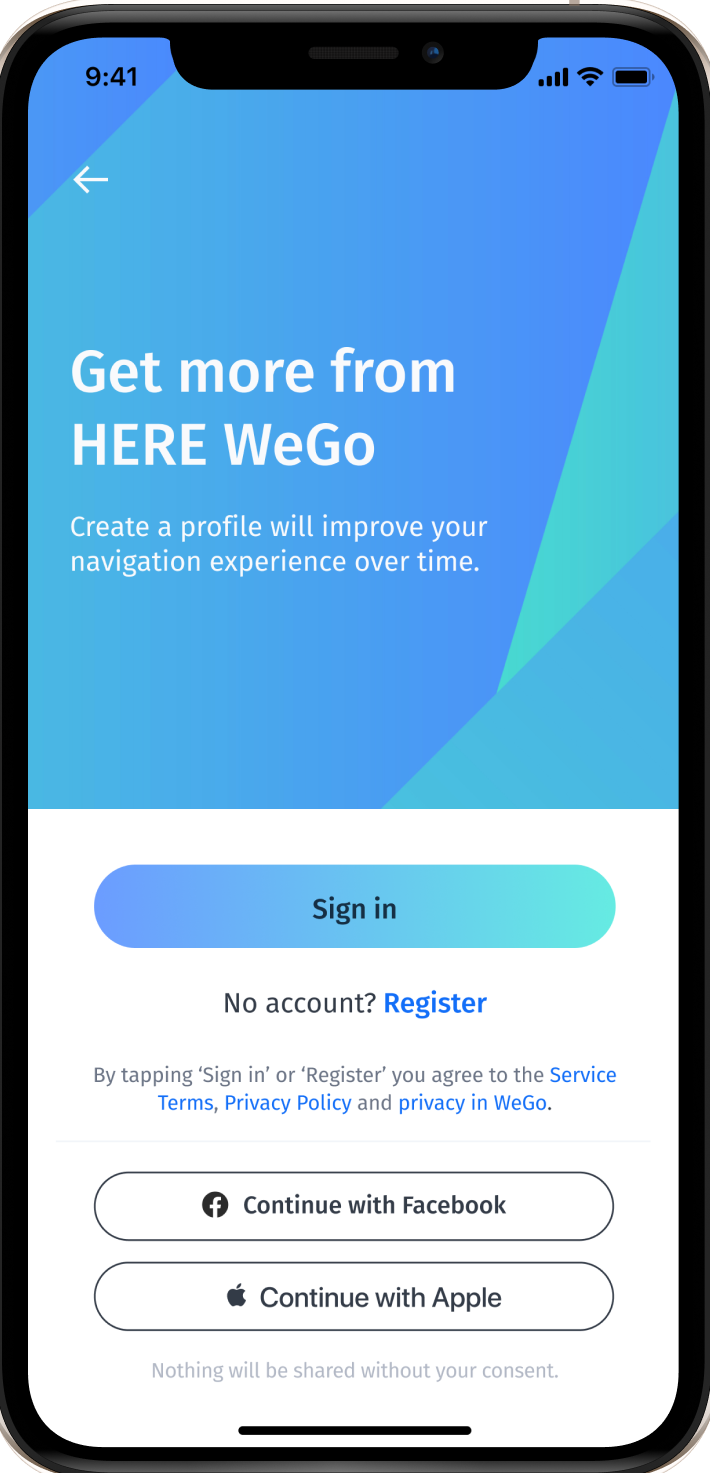
-
To use an activation key: the key is in the form of a link or QR code. Tap on the link or scan the QR code to activate the app. Don't paste the link in a browser, that won't activate the app.
-
Please note that after enabling HERE WeGo Pro, the following T&Cs apply: HERE WeGo Pro Service Terms
-
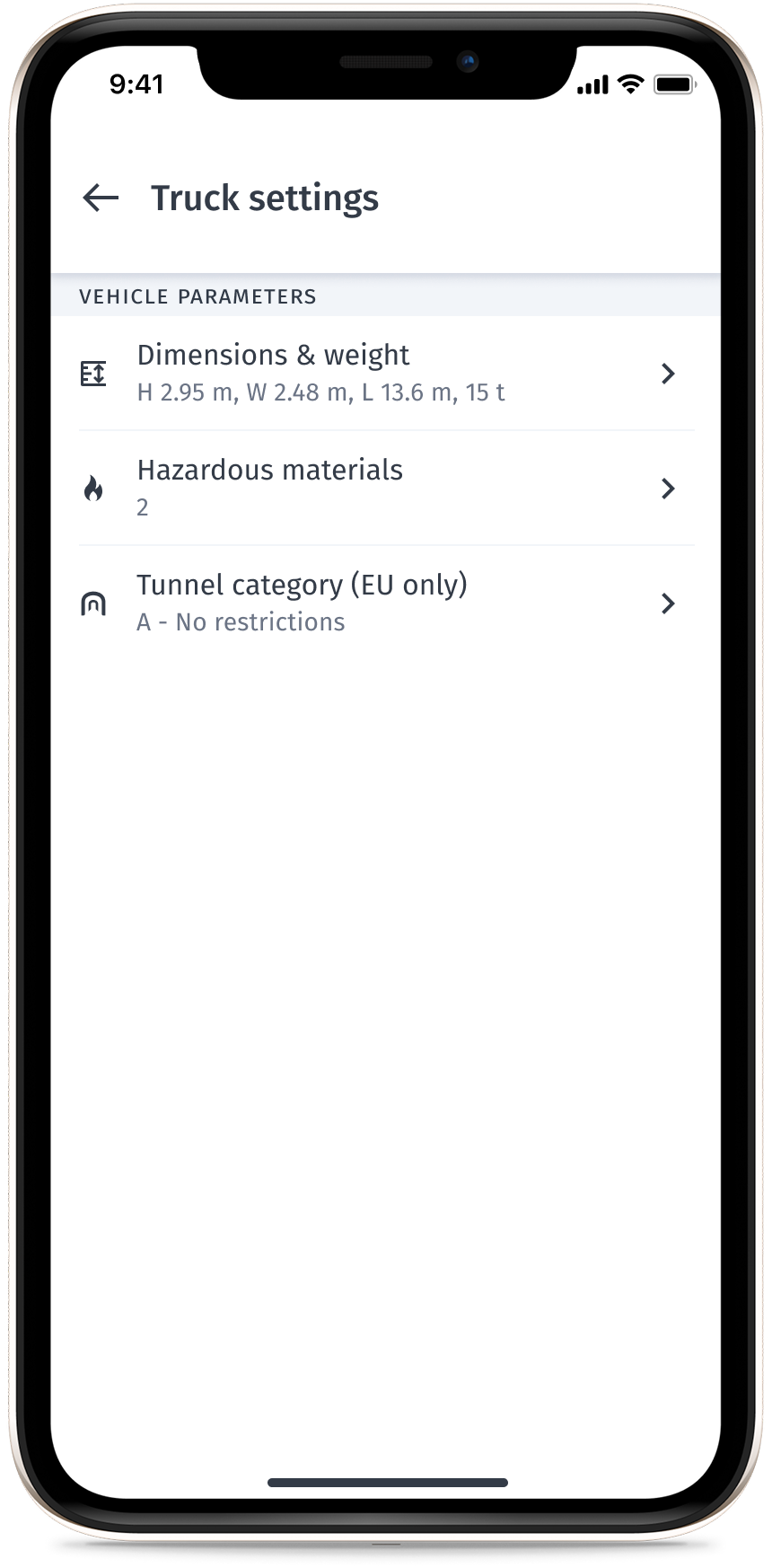
Select **Settings > Truck settings ** and then enter the parameters specific to your vehicle.
You can then select the following options for your route:- Vehicle dimensions (height, width, length, weight)
- Hazardous materials
- Tunnel category
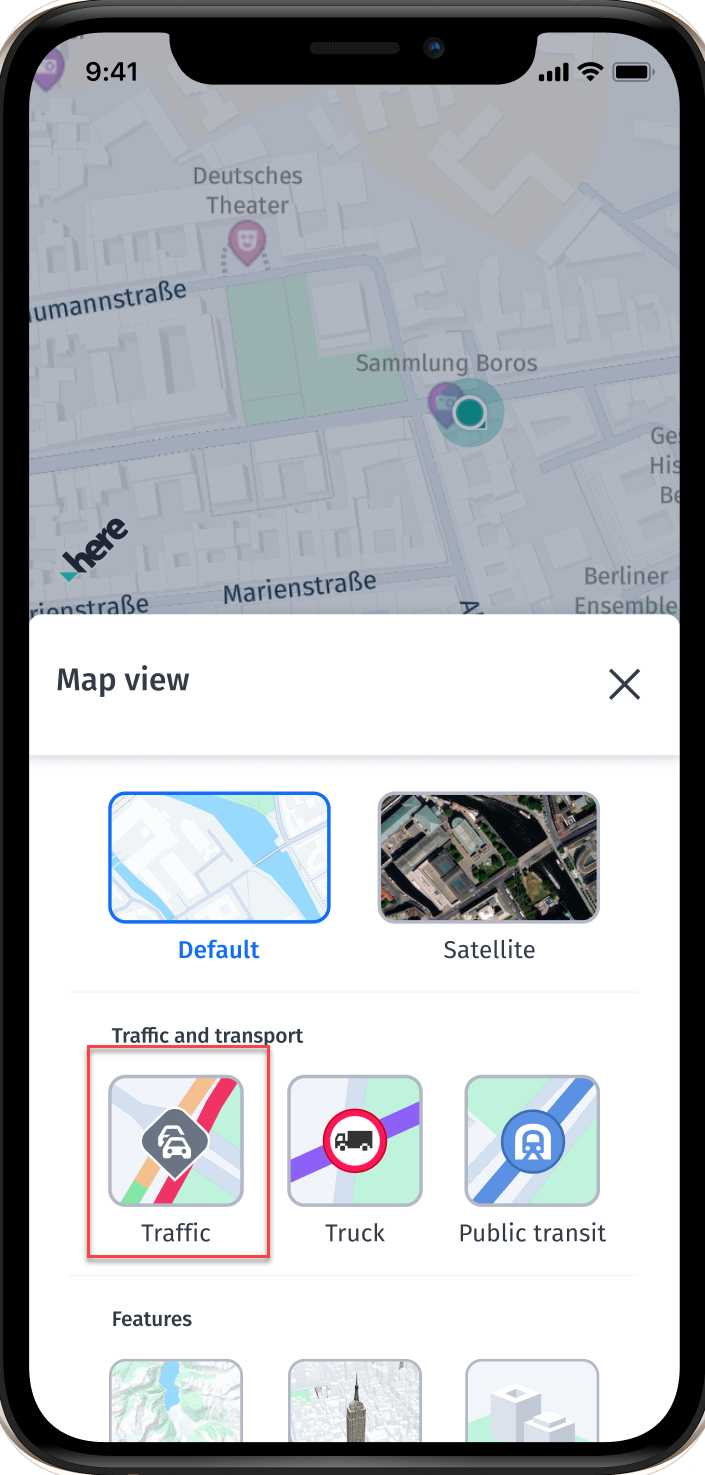
- (Optional) Enable real-time traffic by selecting the traffic mode shown in the following image:
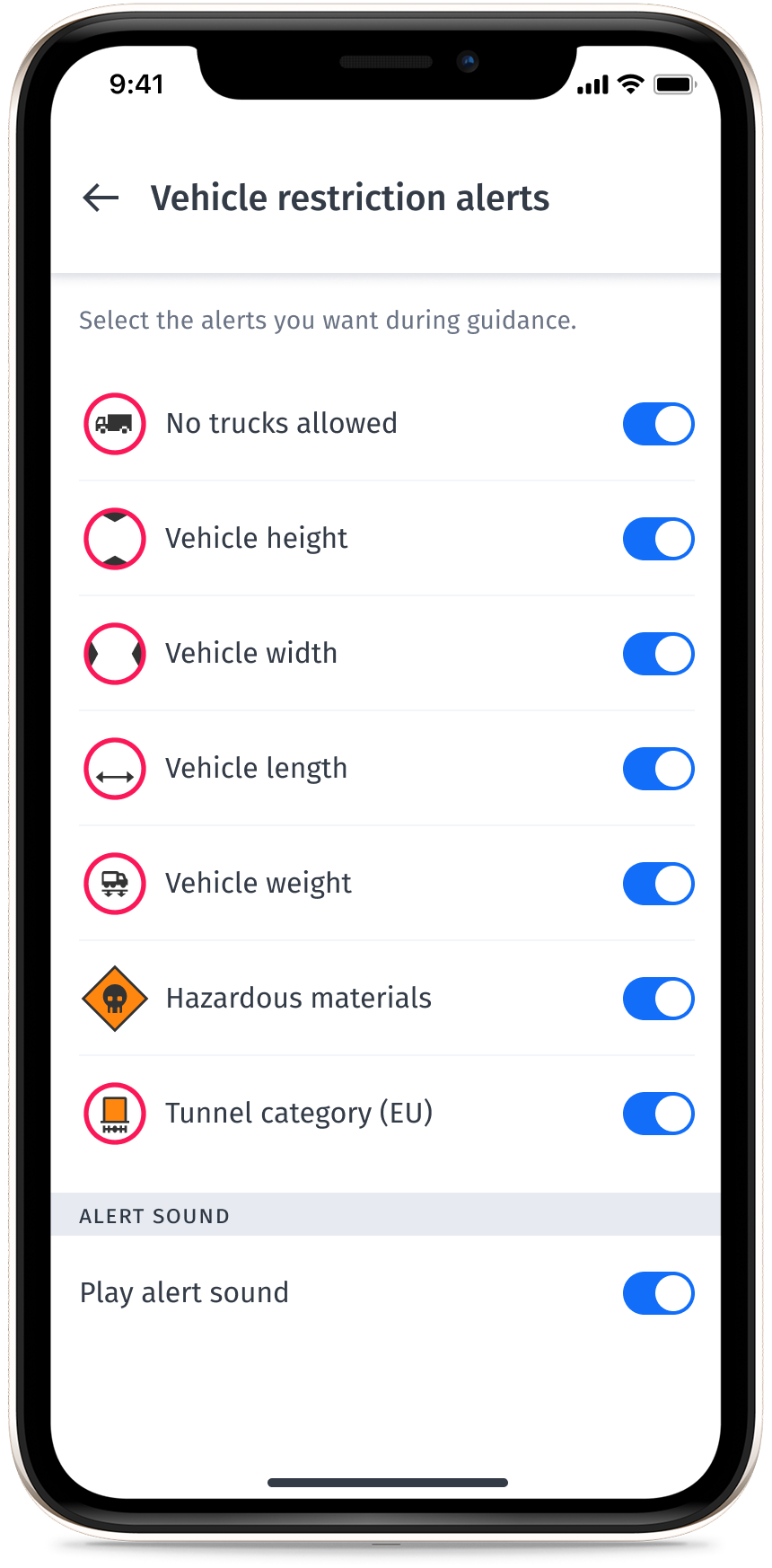
- (Optional) Enable truck alerts during guidance, as shown in the following image:
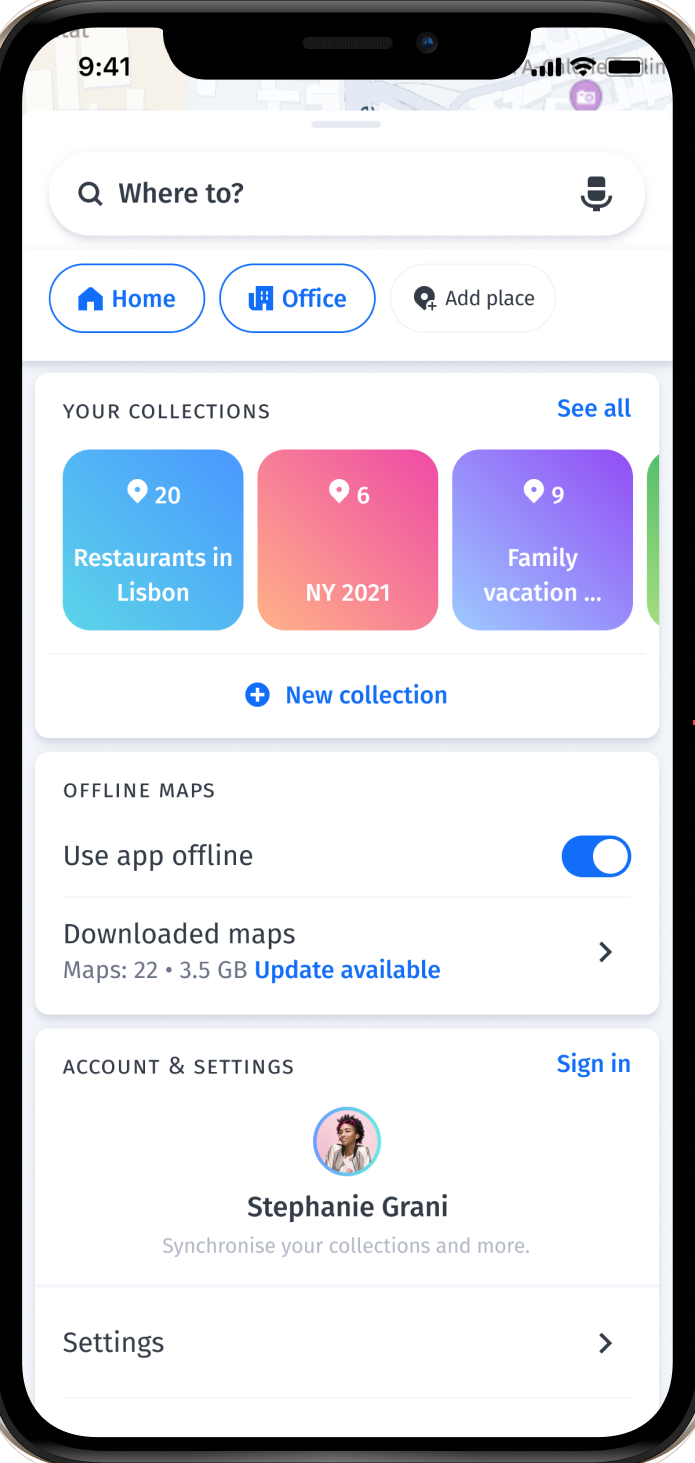
- (Optional) Download offline maps to save on data usage and use the app when there is poor network coverage, as shown in the following image:
Updated 29 days ago