
Mirroring support for HERE WeGo Pro
Apple CarPlay and Android Auto support the full HERE WeGo Pro navigation experience on your phone and in your vehicle.
Android Auto support
Mobile devices using the Android 10 OS or higher already include Android Auto, and only need to download the HERE WeGo Pro app. Mobile devices using an OS older than Android 10 must download the Android Auto app before downloading the HERE WeGo Pro app.
If your vehicle is compatible with Android Auto (see note below), connect your phone using a USB connector or pairing service, such as Bluetooth®, to view Android Auto on your vehicle's display.
Note
Android Auto does not support turn by turn navigation in the infotainment system of a truck. See here and here.
To download the Android Auto app, see the Google Play store.
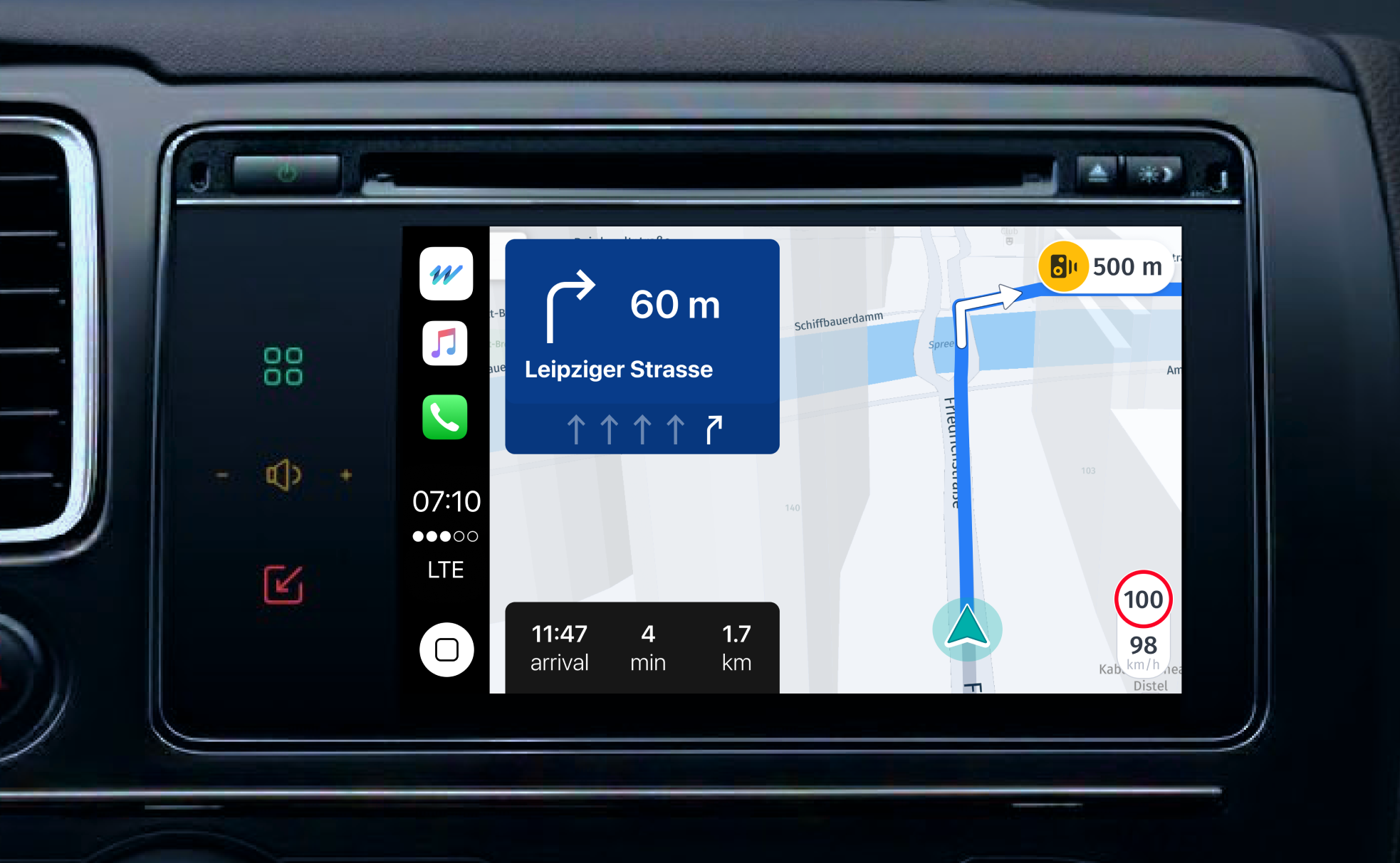
The following image shows how you can access HERE WeGo Pro on your vehicle's navigation screen:
Apple CarPlay support
If your vehicle is compatible with Apple CarPlay, connect your phone using a USB connector or pairing service, such as Bluetooth®, to view Apple CarPlay on your vehicle's display.
To download the Apple CarPlay app, see the Apple app store.
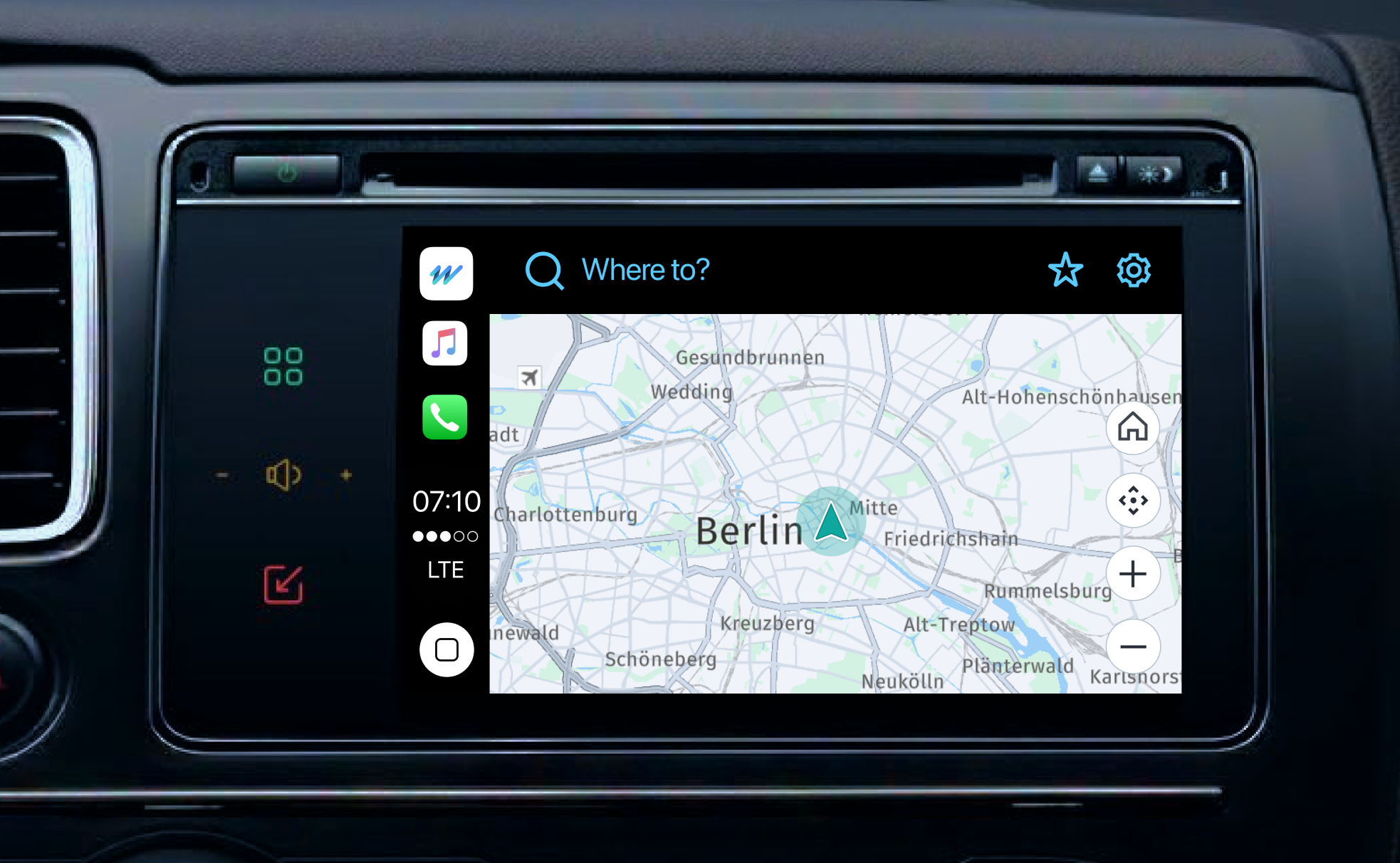
The following image shows how you can access HERE WeGo Pro on your vehicle's navigation screen:
Updated last month