

FAQ
This section provides answers to frequently asked questions.
What is HERE Identity and Access Management?
HERE Identity and Access Management (HERE IAM) lets you securely manage access to HERE services and resources.
What are HERE IAM entities?
HERE IAM uses various entities to provide you with features to facilitate secure access to HERE services and data. To learn about entity definitions, see HERE IAM Entity Definitions.
How can I change my password?
To change your password:
- Sign in to your HERE user account.
- Choose to edit your profile.
- HERE IAM provides you with the ability to update your password along with other personal information and preferences.
- For more information, see Manage your user account.
What do I do if I forgot my password?
If you do not remember your password, you can request a password reset.
To request a password reset:
- Go to the sign-in page for your HERE user account.
- Enter your email address.
- If required, enter your org ID.
- Click Forgot your password?.
- Enter the organization ID and email address associated with your HERE account, and submit the form. You then receive a link which you can use to reset your password.
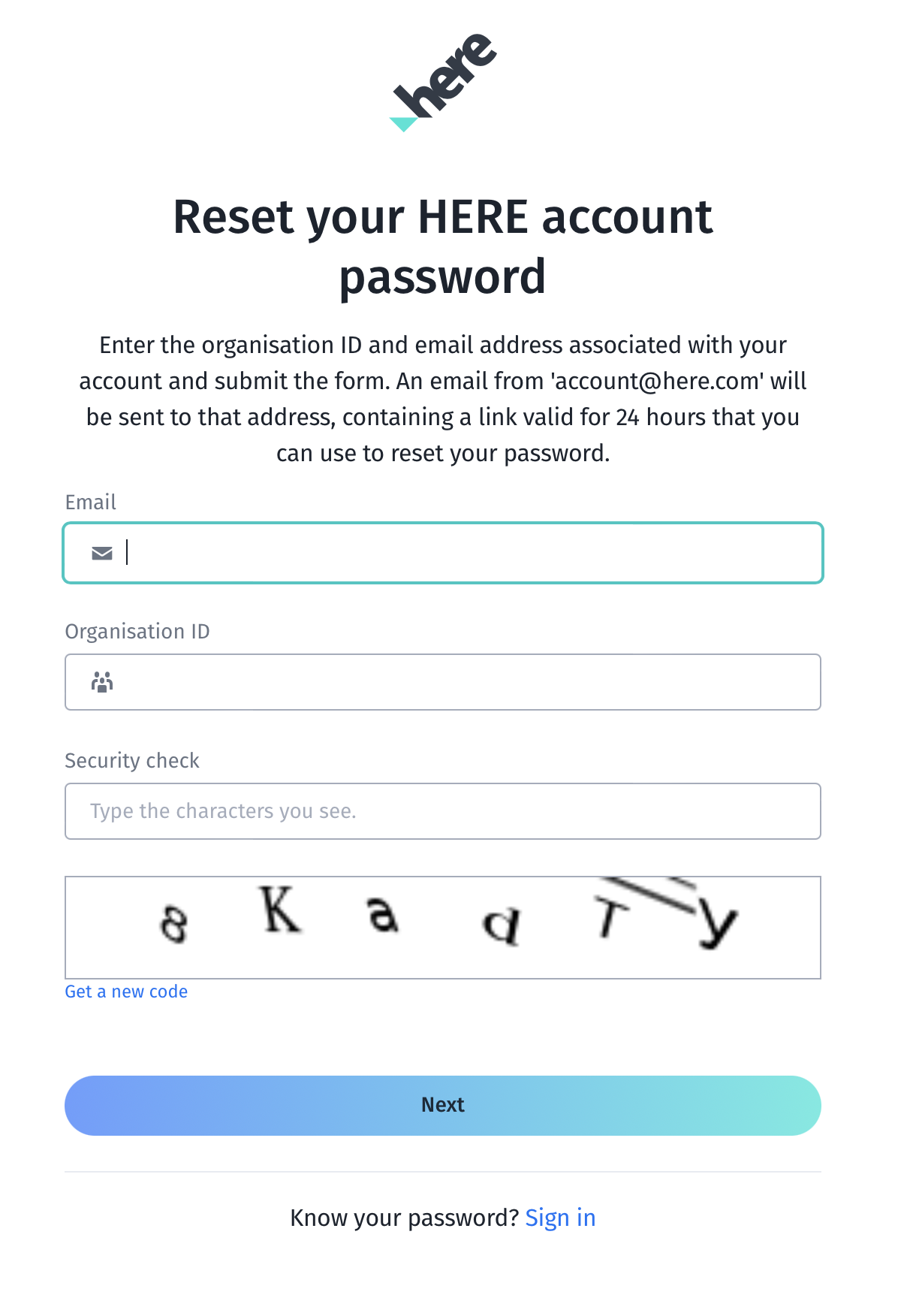
Resetting a password.
I have requested a reset password, but have yet not received an email. What do I do?
Emails sent from HERE are usually received within a few minutes. Please verify your email address and also check your Junk/Spam mailbox.
My account was locked after a few invalid login attempts. How do I unlock it?
For security reasons, HERE tracks all invalid login attempts. After five invalid login attempts, your account is locked for a period of time. Please wait before trying again. If you forgot the password, please reset it.
What is an organization? Why do I have to enter an orgId?
An organization (org/realm) manages the security for all of the IAM entities, HERE services, and resources within a particular company or organization. If you have multiple HERE platform accounts, we require that you enter your orgId to log in.
What can I do if I forgot my orgId?
To request your orgId:
- Go to the Sign-in page for your HERE user account.
- Enter your Email address.
- Click Forgot your orgId?.
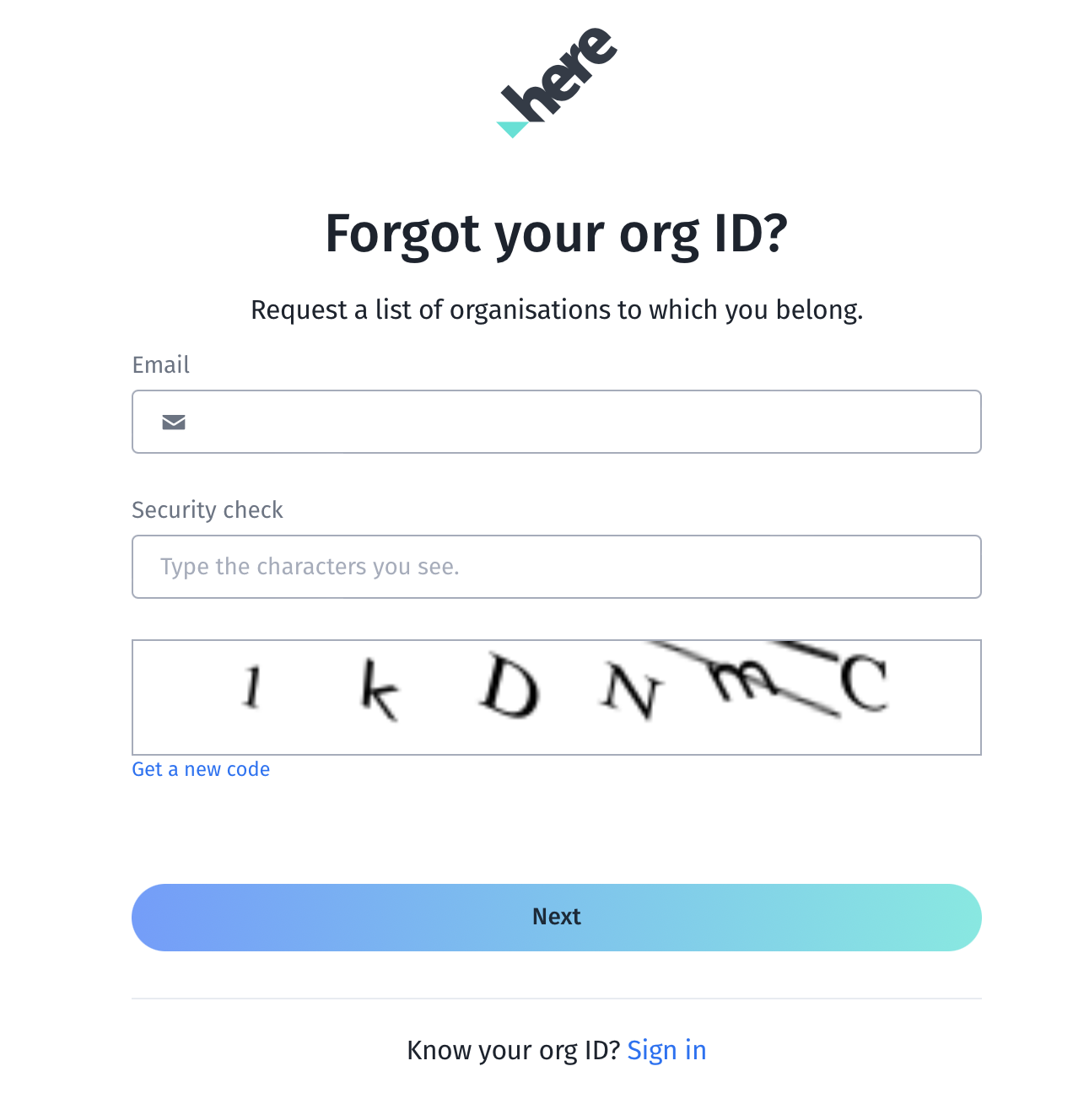
Retrieving a lost orgID.
How can I get an invitation to join the HERE platform account for my organization?
If your organization already has a HERE platform account, contact your account administrators to get invited to your organization.
Users with the org admin or the org inviter roles can invite other users to a HERE platform account.
Can I request an invitation again?
If your invitation to join the HERE platform was lost or expired, here's how you can request a new invitation:
- Go to the Sign-in page for your HERE user account.
- Enter your email address.
- If you have any pending invitations, click Request invitation again.
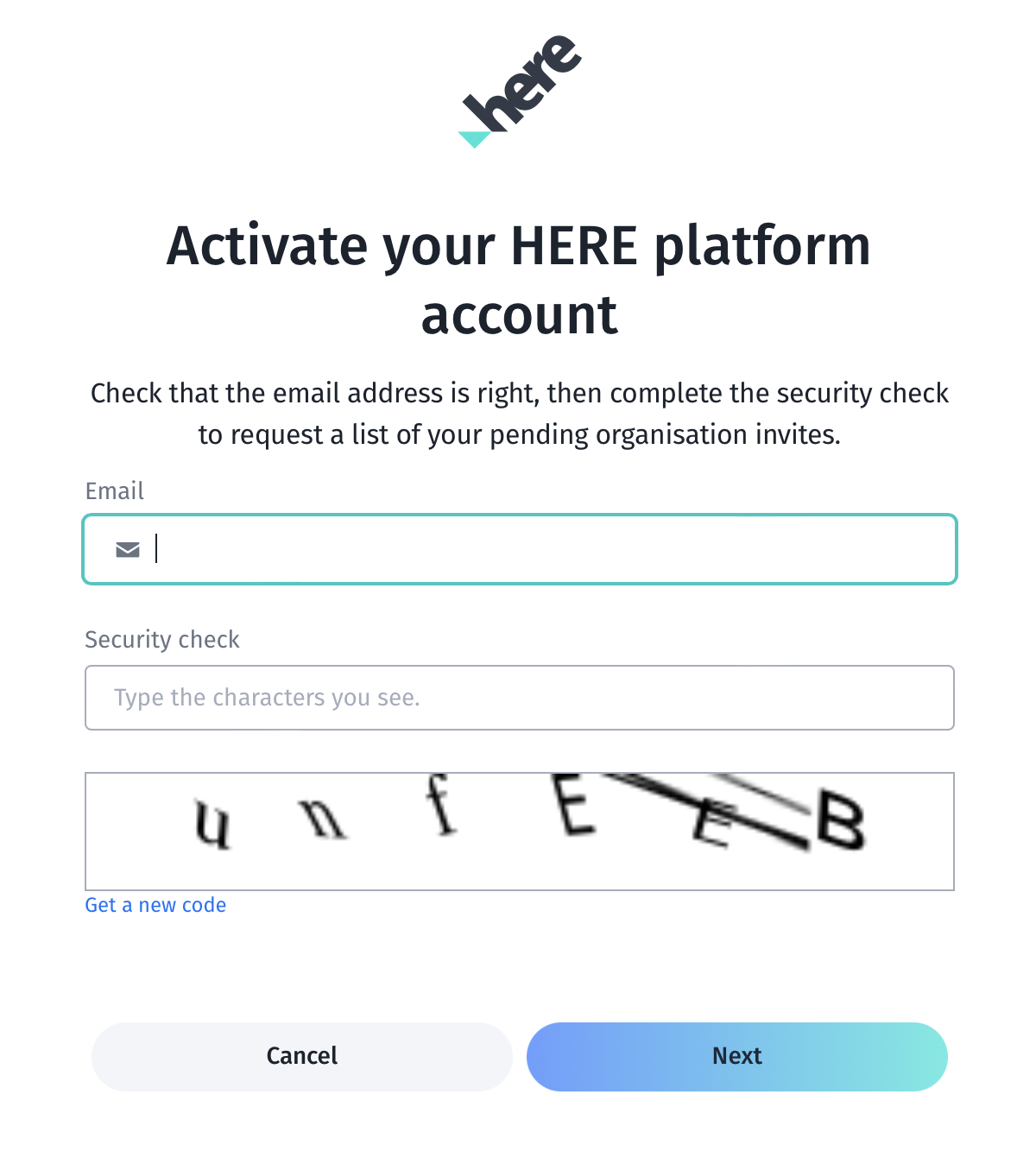
Requesting a new HERE invitation.
How do I deactivate or delete my account?
To deactivate your account temporarily without losing any data:
- Sign in to your HERE user account.
- Choose to edit your profile.
- Click Deactivate account.
To reactivate your account, sign in with your same email address and password combination.
To delete your account permanently, and delete all data associated with your account, follow these steps:
- Sign in to your HERE user account.
- Choose to edit your profile.
- Click Deactivate account.
- Click Delete account.
If you delete your account, you also delete all the data in the account. You can't recover a deleted account or its data.
What is an app?
Many HERE customers use IAM-based apps and credentials to manage programmatic access to HERE services, such as the HERE CLI and APIs. For more information, see Manage apps.
How can I authenticate with IAM?
HERE IAM requires access through an authenticated identity. For more information, see Manage authentication.
What is an API key and how can I get an API key?
HERE API keys provide simple and secure authentication for your client app. For more information, see API keys.
What is an access key and how can I generate an OAuth 2.0 access token?
To generate an OAuth 2.0 access token, you create credentials for your app, after which you can securely request an OAuth 2.0 access token using your access key id and access key secret.
To learn more about credentials, see OAuth 2.0 tokens. Refer to the OAuth 2.0 token request tutorial for a guide on programmatically generating a token.
How long is my access token valid for?
HERE access tokens are short-lived tokens. Each app has a default maximum duration of 24 hours. The expiresIn property used during token generation can request tokens with shorter durations than the default.
How do I programmatically rotate app credentials?
The HERE security and privacy team recommends periodically rotating your access credentials. HERE IAM allows multiple active credentials for an app at any given time. To rotate your credentials, onboard a new credential and update all instances that use the old credential.
Once confirmed, disable the old credential and validate your workflows. Once you verify the old credential is no longer used, you can delete it.
What is OIDC?
OpenID Connect (OIDC) is an open authentication protocol that works on top of the OAuth 2.0 framework. To learn more about how HERE enables OIDC support, see OIDC tokens.
What is a resource? What is an HRN?
Resources on the HERE Platform can include projects, apps, schema, catalogs, and pipelines. A HERE resource name (HRN) represents a resource. For more information, see HERE IAM HRNs.
What is a permission?
Permission statements define fine-grained access control for a resource. To learn more, see Permissions. You can assign permissions can to either user, apps, or groups.
How do I see my permissions?
You can use the HERE Account v1 Authorization Information APIs to review the permissions for your user, app, or group.
How do I see my app's permissions?
You can use the HERE Account v1 Authorization Information APIs or the HERE CLI tool to get information about your app's access permissions. For more information, see the permission endpoint.
What is a group and how can I use a group?
The HERE platform lets you work in teams using groups. Organization and group admins can create and manage groups, which includes managing the apps and users in the group.
How do I see my group's permissions?
You can use the HERE Account v1 Authorization Information APIs to see your group permissions. To grant or revoke permissions to your group, see Group workflows.
How can I call a HERE service endpoint?
To access HERE services, or send requests to HERE service APIs, HERE IAM requires an authentication credential, which can either be an API Key (for supported services) or an OAuth 2.0 access token.
Why do I get a Missing Authorization Header error message?
To access HERE services, or send requests to HERE service APIs, HERE IAM requires use an authentication credential. An OAuth 2.0 bearer token identifying your identity is a requirement to which passes within the Authorization Header.
What is a Policy/Plan and when do I need them?
IAM policies are a collection of permissions, and IAM plans are a collection of IAM policies.
Through IAM policies and plans, your organization has access to some HERE services and resources by default. However, note that any access granted through IAM policies and plans only grants access to resources that exist outside of projects. In turn, this means that any resources granted by IAM policies or plans must be accessed with an an unscoped access token.
What are IAM roles?
IAM roles are HERE-defined user types that bundle sets of specific permissions. You can assign a role to a user or an app. For more information, see IAM Roles.
What is a project and how can I use it?
A project is a container for securely managing HERE platform resources.
A project lets you manage which users, apps, and groups can access the resources created or linked in the project. HERE recommends that you use projects to manage all of your platform resources.
To learn more, see Projects and Project workflows.
Who can be members of a project and what do they get access to?
Any user, app, or group can be a member of a project.
A project admin can manage access to the project by going to the Access and permissions tab on the projects detail page.
You can also create custom access policies which apply to the members, or choose one of the HERE Managed policies. To view the policies, navigate to the Policies tab on the projects detail page. To create or manage custom access policies refer to Project Policy.
What is a project-scoped access token?
A project is a container for securely managing HERE platform resources. Access to the resources created or linked to a project is only allowed for the members of the project.
The HERE platform uses OAuth 2.0 scopes to control access to certain resources. To access any resource created or linked to a project, HERE IAM requires the use of a project-scoped access token. You acquire a project-scoped access token by passing the scope parameter while generating the access token for your app.
You can also choose a default project for an app, which automatically fetches a project scoped access token. When using HERE SDK or tools like the CLI, you can either add the here.token.scope property in the credentials.properties or pass in the --scope property with the project hrn. For more information, see Credentials, Scopes, and Get a project-scoped API token.
What is an unscoped access token?
An unscoped access token is a requirement for accessing unscoped resources.
You must use an app without a default scope to acquire an unscoped token. To request an unscoped token, generate the access token for your app without passing the scope parameter in the call.
What is a Resource Policy/Resource Plan and when do I need them?
IAM Resource Policies are a collection of policies governing access to resources created in a project. IAM Resource Plans are a collection of IAM Resource Policies.
Through IAM resource policies and resource plans, your organization can get access to some HERE services and resources created in a project by default.
Note
Resource Policy/Resource Plans are only applicable for resources that are both created in a project and limited to access via a project-scoped access token.
How long does it take for any access related changes to take effect?
HERE IAM is geographically distributed in multiple regions worldwide. Any access changes you make in IAM may be subject to some delay before becoming available in all HERE services and APIs.
HERE IAM follows the Eventual consistency model, and so HERE recommends that customers design apps and workflows to account for potential delays.
Any changes to access for resources or memberships could be subject to a delay. HERE does not recommend including these operations in workflows that require high availability.
Most changes may take up to five minutes to propagate globally, but these operations may take more time for certain use cases.
If a call fails for network issues, or unexpected errors, what retry strategy should I use?
We recommend implementing a consistent retry policy while accessing HERE services and resources. To learn more, see Exponential backoff strategy.
Why did I get a 401 Unauthorized error when I try to access a HERE service?
The HTTP response status code 401 indicates an unauthorized access attempt that was blocked. See HERE IAM common error messages for common causes of 401 errors.
Why did I get a 403 Access Denied error even when I should have access to the resource?
HTTP response status code 403 indicates that the user attempting to access the resource doesn't have the appropriate permissions to do so.
HERE IAM provides verbose error details with the cause of the 403 error response. For more information, see HERE IAM common error messages.
Why did I get a 429 Too Many Requests error?
HTTP response status code 429 indicates a rate limit breach.
There limits on the number of requests that can be made to HERE Services. If you exceed the limits, you may receive a 429 response status code.
HERE recommends that you verify each request for its necessity, as well as implementing an organized retry policy. To learn more, see Exponential backoff strategy.
What are the limits enforced by HERE IAM?
| Description | Limit |
|---|---|
| Maximum roles an identity can have. | 100 |
| Maximum permissions that you can assign to a user, app, or group. | 100000 |
| Maximum number of apps per user. | 100 |
| Maximum members in a group. | 500 |
| Maximum number of roles per user invite. | 5 |
| Maximum number of groups per user invite. | 5 |
| Maximum number of projects to which a group can have direct access. | 50 |
| Maximum number of groups to which an identity can have direct access. | 50 |
| Maximum number of groups that can be a member of a project. | 5 |
| Maximum number of users/apps in a project. | 500 |
| Maximum number of groups in a project. | 5 |
| Maximum number of projects for which a group, user, or app can have direct access. | 50 |
| Maximum number of resources in a project. | 100 |
| Maximum number of resource links for the same resource per project. | 5 |
| Maximum number of project policies per member (user, app, or group). | 5 |
| Maximum number of project level policies. | 5 |
| Maximum number of permissions per project policy. | 100 |
| Maximum number of identity providers per organization. | 5 |
| Maximum number of issuers per identity provider. | 5 |
| Maximum number of identity providers per app. | 2 |
| Maximum number of custom access filters per organization | 100 |
| Maximum number of access filter attachments per identity | 5 |
What happens if the manager of an app leaves the organization?
Users with the Resource Manager role can manage all orphaned identities and resources for their organization. For more information about the Resource Manager role, see HERE IAM Roles.
Administrators (org admins) can also become Resource Managers, after which they can either add a new app manager (see Add App Manager) or share the app with another user, group, or app (see Sharing an app).
Note that there are key differences between adding a new App Manager and sharing an app to another user, group, or app.
| Action | Permissions Granted |
|---|---|
| Creating or adding a new App Manager for the app | Read, write, and manage |
| Sharing an app to a user, group, or app | Read, write, manage, and share |
To find org admins/Resource Managers in the organization:
- Sign in to the HERE platform.
- Click Access Manager on the launcher drop-down menu.
- Click Users.
- In the Search edit box, start typing "Org" - users'. A list containing org admins will appear.
- Contact any org admin on the list with your request.
Updated 3 months ago