

How to calculate a matrix in Flexible mode
The following tutorial provides an example of a 3x3 matrix request with the following origins and destinations:
- San Francisco at (37.76, -122.42)
- New York at (40.63, -74.09)
- Austin at (30.26, -97.74)
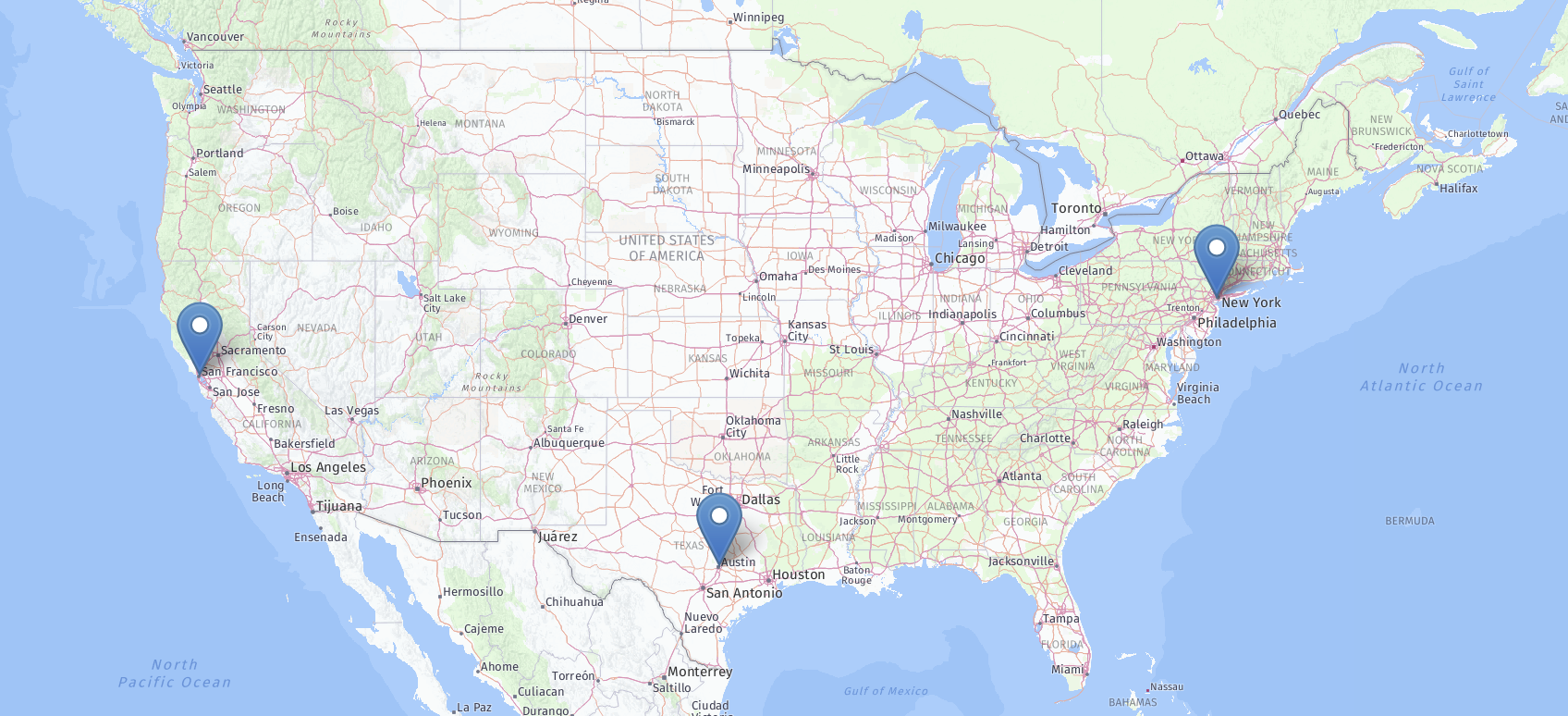
To calculate a car distance matrix, you can use the request below. Since the request does not specify a destinations array, the origins are taken as destinations and the resulting matrix is a 3 x 3 matrix. The region definition is the special variant world. By default, the service calculates a travel times matrix, but since we want to get distances in the response instead of times, the request specifies the matrixAttributes property with the value distances.
{
    "origins": [
        { "lat": 37.76, "lng": -122.42 },
        { "lat": 40.63, "lng": -74.09 },
        { "lat": 30.26, "lng": -97.74 }
    ],
    "regionDefinition": {
        "type": "world"
    },
    "matrixAttributes": ["distances"]
}
The full procedure of submitting a matrix request is described in the Get started with HERE Matrix Routing API v8 section. The response looks as follows:
{
    "matrixId": "d3f94d55-65a0-4b73-94f7-f65817b09980",
    "matrix": {
        "numOrigins": 3,
        "numDestinations": 3,
        "distances": [
            0,4708189,2835632,
            4702095,0,2829359,
            2837455,2835478,0
        ]
    },
    "regionDefinition": {
        "type": "world"
    }
}
The calculated routing matrix is the following:
| orig\dest | 1 | 2 | 3 |
|---|---|---|---|
| 1 | 0 | 4708189 | 2835632 |
| 2 | 4702095 | 0 | 2829359 |
| 3 | 2837455 | 2835478 | 0 |