

How to duplicate a Grafana dashboard
Grafana lets you create an identical copy of any dashboard by performing the following:
- From the Home page, open a dashboard by clicking on one of the listed dashboard entries.
- Click the Gear icon at the top right corner.
- Select 'Save As' and provide a new dashboard name.
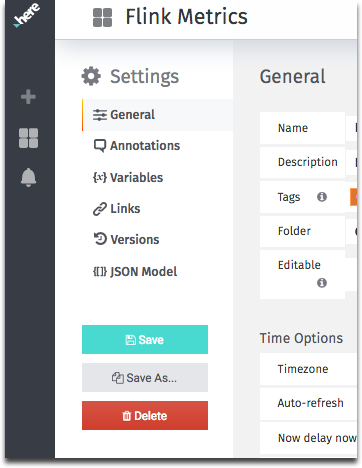
The new dashboard can be modified as needed and saved with those changes. It will then appear in the appropriate list of available dashboards.
Updated 7 months ago
Did this page help you?