

How to use map zoom controls
The ZoomLevelWidget from the @here/interactive-mapview-ui package provides a widget for controlling the MapView's zoom level. It displays the current zoom level and has two buttons for zooming in and out. 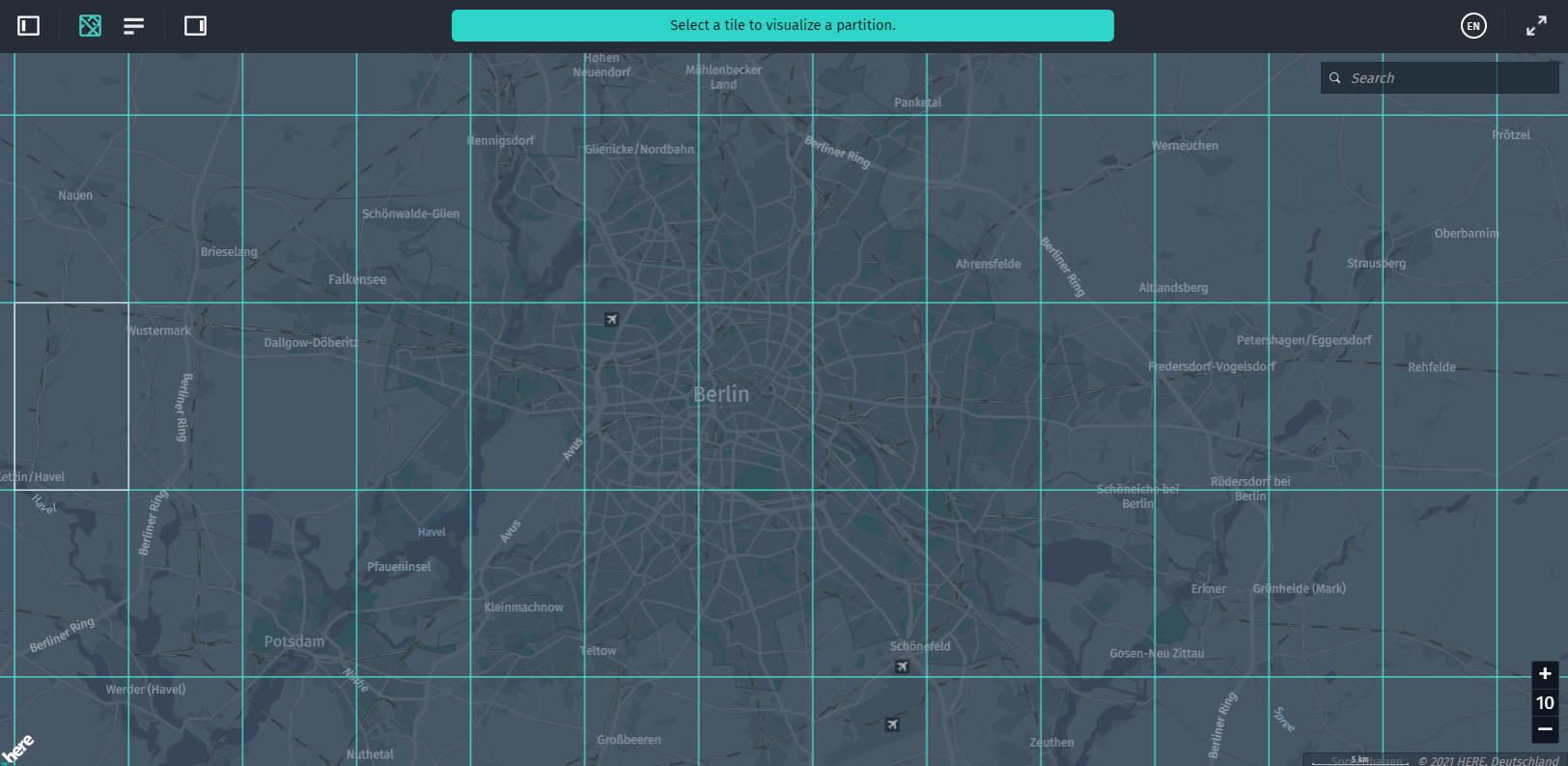 To use the imported styles, properly configure the webpack. They are bundled in the
 /resources directory. For the webpack to import CSS files, add style-loader and css-loader npm packages and add CSS and style loaders to the loaders section of webpack.config.js as follows:
{ test: /\.css$/, loader: "style-loader!css-loader" }ZoomLevelWidget is a pure UI widget with no logic to control MapView zooming. It only provides events when you click the zoom in/out buttons and has the setState method to update according to the current zoom. To actually update a zoom level, use MapControls and set up MapView events to update its state:
import { MapView, MapViewEventNames } from "@here/harp-mapview";
import { MapControls } from "@here/harp-map-controls";
import { ZoomLevelWidget, ZoomLevelWidgetEvents } from "@here/interactive-mapview-ui";

...

// Create an instance of `MapView`.
const mapView = new MapView({ ... });

// Get a UI container for zoom level widget.
const uiContainer = document.getElementById("ui-container");
if (uiContainer === null) {
    throw new Error("Element 'ui-container' not found in document");
}

// An instance of `MapControls` is needed to control zoom level of `MapView`.
const mapControls = new MapControls(mapView);
mapControls.setZoomLevel(13); // Set some default zoom level.

// Create a UI widget which visualizes current zoom and provides buttons to zoom in/out.
const zoomLevelWidget = new ZoomLevelWidget(
    {},
    uiContainer,
    { zoomLevel: mapView.zoomLevel }
);

// Handler for zoom in button.
zoomLevelWidget.addEventListener(ZoomLevelWidgetEvents.ZOOM_IN,
    () => mapControls.setZoomLevel(mapControls.zoomLevelTargetted + 1)
);

// Handler for zoom out button.
zoomLevelWidget.addEventListener(ZoomLevelWidgetEvents.ZOOM_OUT,
    () => mapControls.setZoomLevel(mapControls.zoomLevelTargetted - 1)
);

// Update zoom widget with current zoom level.
mapView.addEventListener(MapViewEventNames.Render,
    () => {
        zoomLevelWidget.setState({
            zoomLevel: mapView.zoomLevel,
            zoomInDisabled: mapView.zoomLevel >= mapView.maxZoomLevel,
            zoomOutDisabled: mapView.zoomLevel <= mapView.minZoomLevel
        });
    }
);Note
You can also use the double-click zooming functionality that is integrated into the
DataInspector. Left-double-click in the MapView to zoom in by one level. And right-double-click in the MapViewto zoom out by one level. The location that you click, in this case, stays in the same screen position under the mouse cursor. Changelog API reference
Updated 7 months ago