

Vue.jsを使用してHERE Mapsを構築する
Vue.jsを使用してHERE Mapsを構築する
Vue.jsは既存のプロジェクトに簡単に統合できる人気のJavaScriptフレームワークです。動的でスケーラブルなアプリケーションをすばやく構築できます。
このチュートリアルでは、Vue.jsとHERE JavaScript APIを使用してインタラクティブなHERE Mapを作成します。作成したマップは、既存のVue.jsアプリケーションに簡単に統合できます。
具体的には、次の手順について説明します。
- Viteをバンドラーとして使用してVue.jsプロジェクトを作成する
- HERE JavaScript APIをVue.jsアプリケーションに統合する
- 再利用可能なマップコンポーネントを開発する
- HERE Mapコンポーネントをレンダリングする
開始する前に
- Node.jsをインストールする
- HEREプラットフォームアカウントを取得する
Viteを使用してVue.jsプロジェクトを作成する
Vueアプリ用の高速で最新のバンドルツールであるViteを使用して、基本的なVueプロジェクトを作成します。
-
プロジェクトを作成するには、任意のコマンドラインツールで次のコマンドを入力します。
npm create vite@latest here-maps-vue -- --template vueこのコマンドは、
here-maps-vueディレクトリにプロジェクトの基盤を作成します。 -
次のコマンドを入力して、アプリフォルダーを作業ディレクトリとして設定します。
cd here-maps-vue -
次のコマンドを入力して、
npmパッケージマネージャーをインストールします。npm install -
次のコマンドを入力して、プロジェクトが正常に開始されたことを確認します。
npm run dev -
Vueアプリケーションにアクセスするには、Webブラウザーを開き、
http://localhost:5173/に移動します。
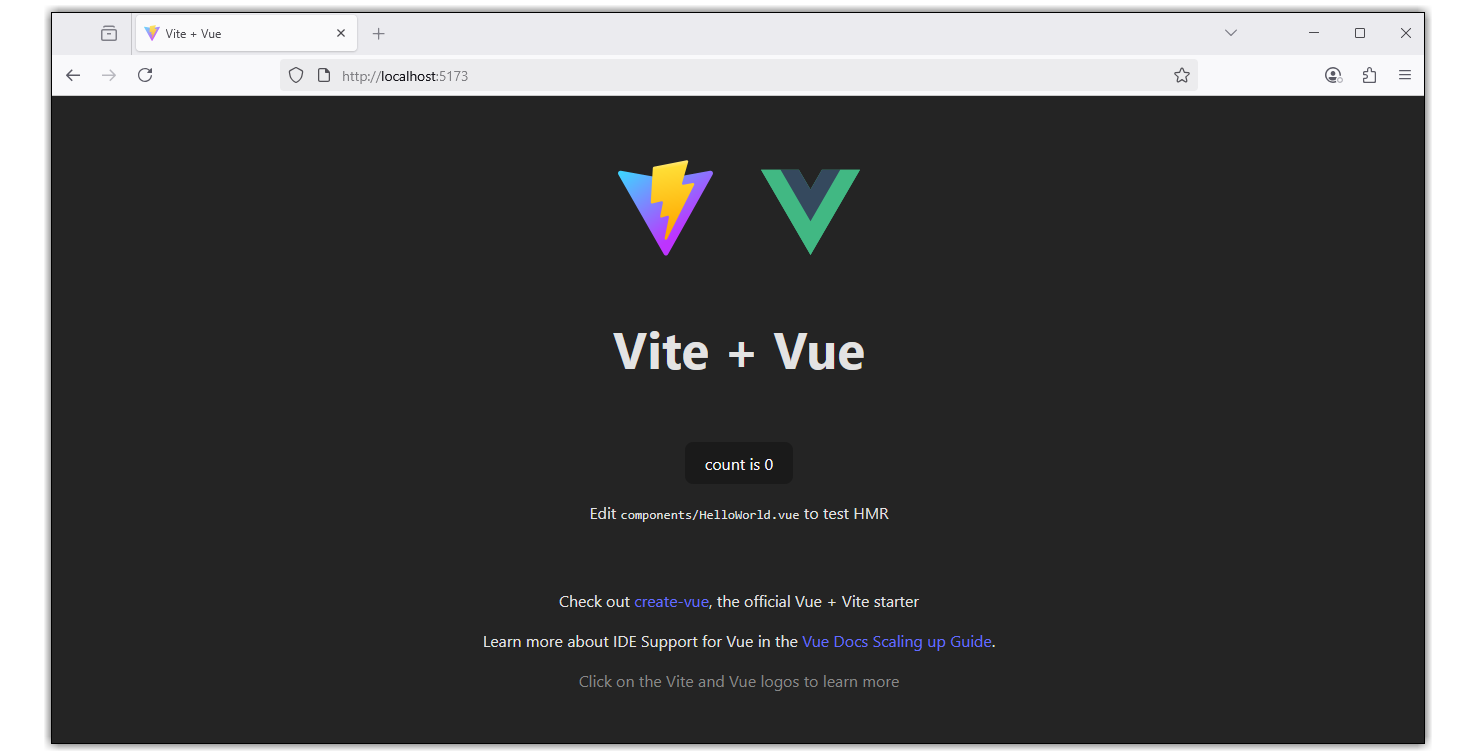
次の例に示すように、基本的なVite + Vueアプリケーションがブラウザーウィンドウに表示されます。
HERE JavaScript APIをVue.jsアプリケーションに統合する
エディターで、作成したhere-maps-vueフォルダーを開き、そのフォルダー内のindex.htmlファイルを編集します。
index.htmlファイルで、デフォルトのファイル内容を次のHTMLコードに置き換え、HERE Maps API for Javascriptに必要なライブラリを追加します。
<!DOCTYPE html>
<html lang="en">
  <head>
    <link rel="icon" type="image/svg+xml" href="/vite.svg" />
    <meta name="viewport" content="width=device-width, initial-scale=1.0" />
    <title>Vue + HERE Maps</title>
    <!-- Import HERE Maps API for JavaScript libraries here -->
    <script src="https://js.api.here.com/v3/3.2/mapsjs-core.js"></script>
    <script src="https://js.api.here.com/v3/3.2/mapsjs-service.js"></script>
    <script src="https://js.api.here.com/v3/3.2/mapsjs-ui.js"></script>
    <script src="https://js.api.here.com/v3/3.2/mapsjs-mapevents.js"></script>
    <link rel="stylesheet" href="https://js.api.here.com/v3/3.2/mapsjs-ui.css" />
  </head>
  <body>
    <div id="app"></div>
    <!-- Mount your Vue app -->
    <script type="module" src="/src/main.js"></script>
  </body>
</html>
再利用可能なマップコンポーネントを作成する
プロジェクトのルートフォルダーから、src/componentsディレクトリに移動し、HereMap.vueファイルを作成します。このファイルに次のコードを入力します。
注
以下のサンプルコードにある
apikey値は、独自のHERE APIキーに置き換えてください。
<template>
  <div id="map">
    <h1>HERE Maps + Vue.js</h1>
  <!--In the following div the HERE Map will render-->
    <div id="mapContainer" style="height:600px;width:100%" ref="hereMap"></div>
  </div>
</template>

<script>
export default {
  name: "HereMap",
  props: {
    center: Object
    // center object { lat: 40.730610, lng: -73.935242 }
  },
  data() {
    return {
      platform: null,
      apikey: "YOUR_HERE_API_KEY"
      // You can request an API key from platform.here.com
    };
  },
  async mounted() {
    // Initialize the platform object:
    const platform = new window.H.service.Platform({
      apikey: this.apikey
    });
    this.platform = platform;
    this.initializeHereMap();
  },
  methods: {
    initializeHereMap() { // rendering map

      const mapContainer = this.$refs.hereMap;
      const H = window.H;
      // Obtain the default map types from the platform object
      const maptypes = this.platform.createDefaultLayers();

      // Instantiate (and display) a map object:
      const map = new H.Map(mapContainer, maptypes.vector.normal.map, {
        zoom: 12,
        center: this.center
        // center object { lat: 40.730610, lng: -73.935242 }
      });

      addEventListener("resize", () => map.getViewPort().resize());

      // add behavior control
      new H.mapevents.Behavior(new H.mapevents.MapEvents(map));

      // add UI
      H.ui.UI.createDefault(map, maptypes);
      // End rendering the initial map
    }
  }
};
</script>

<style scoped>
#map {
  width: 60vw;
  min-width: 360px;
  text-align: center;
  margin: 5% auto;
}
</style>上記のマップでは、initializeHereMapメソッドを使用して、HERE Mapをレンダリングしています。
HereMapコンポーネントをレンダリングする
src/App.vueファイル内のHereMapコンポーネントをレンダリングするには、デフォルトのコードを次のスニペットに置き換えます。
<template>
  <div id="app">
    <HereMap  :center="center" />
  </div>
</template>

<script>
import HereMap from './components/HereMap.vue'
export default {
  name: 'app',
  components: {
    HereMap
    // Remove the HelloWorld.vue
  },
  data() {
return {
    // Use this as prop to the HereMap component
  center:{
    lat: 40.730610,
    lng: -73.935242
    }
}

  }
}
</script>

<style>
#app {
  font-family: 'Avenir', Helvetica, Arial, sans-serif;
  -webkit-font-smoothing: antialiased;
  -moz-osx-font-smoothing: grayscale;
  text-align: center;
  color: #2c3e50;
  margin-top: 60px;
}
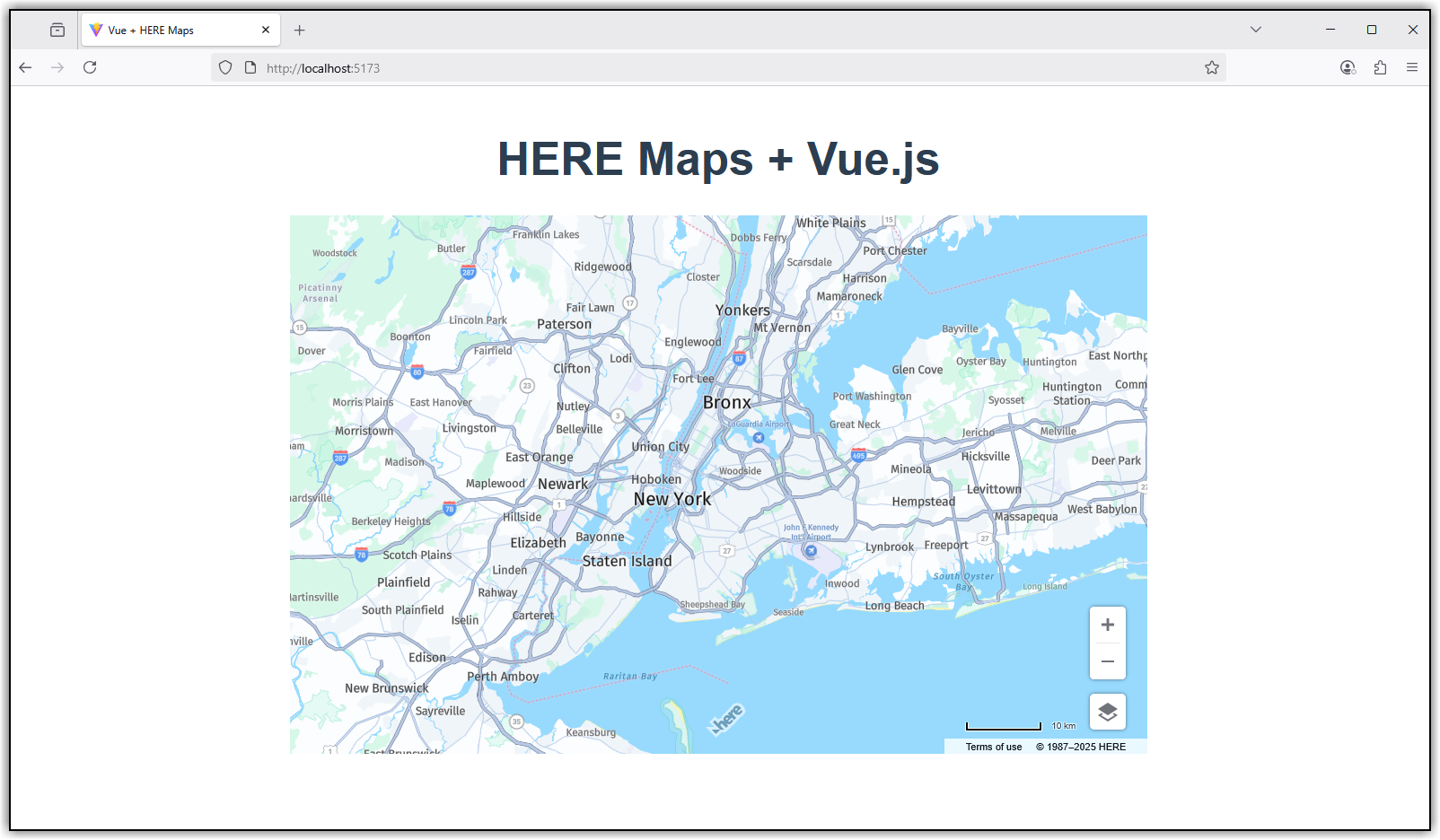
</style>次の図は、ブラウザーウィンドウに表示されたHereMapコンポーネントを示しています。
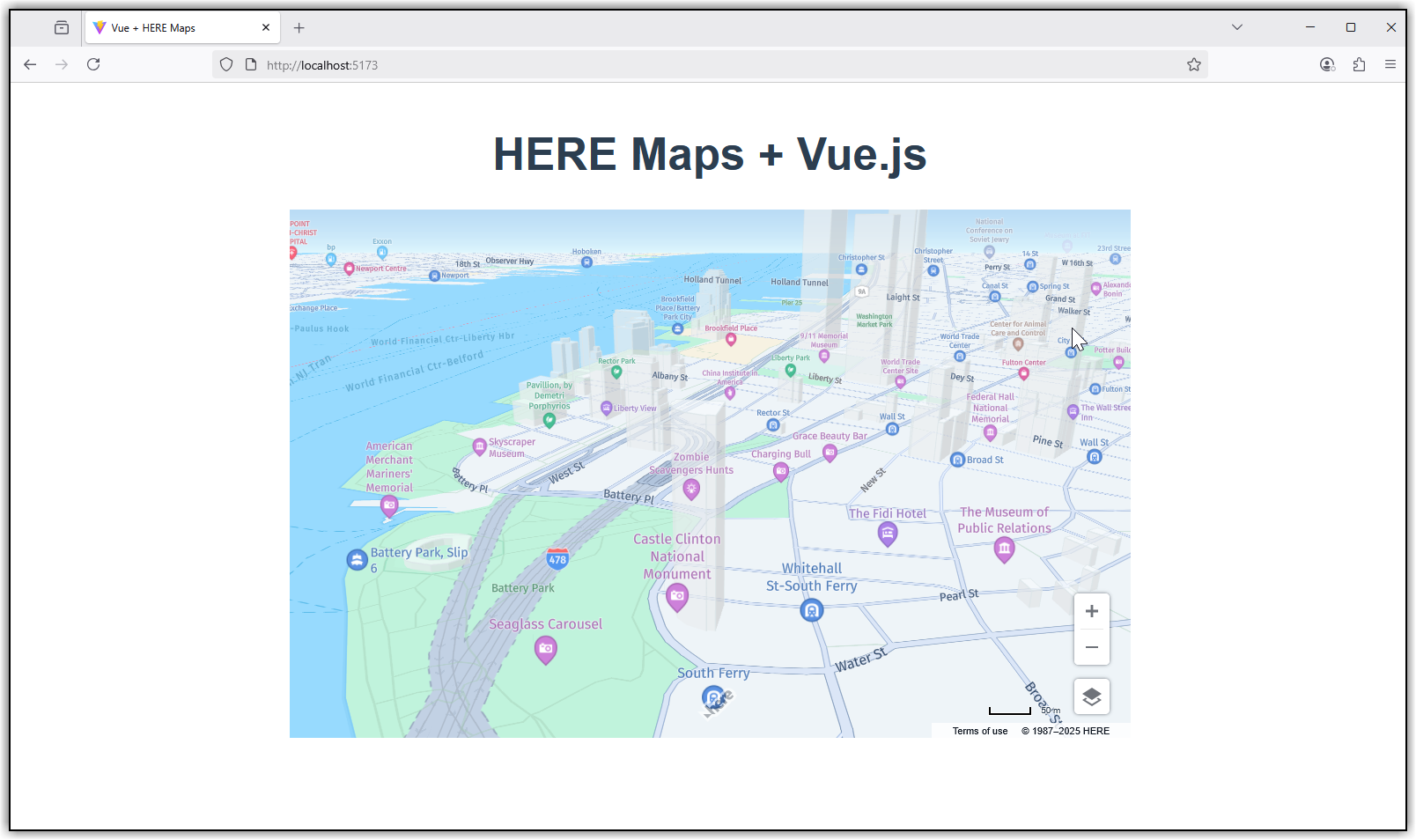
ズームすると、次の図に示すように3Dビューを表示できます。
まとめ
このチュートリアルでは、HERE JavaScript APIを使用してVue.jsでインタラクティブマップを作成しました。これで、このコンポーネントを既存のVue.jsアプリケーションに統合できます。
次のステップ
HERE Maps API for Javascriptを他のフレームワークと統合する方法の詳細については、次を参照してください。
6 か月前の更新