
Understand maps and map types
Note
The 3.1 version of this API has been deprecated. For continued support and feature development, upgrade to the latest 3.2 version.
The Maps API for JavaScript integrates two map rendering services: the HERE Vector Tile API and the HERE Raster Tile API. Together, these services offer a comprehensive mapping and location-based solution to build all kind of mapping applications, also incorporating additional location service like geocoding, routing, and real-time traffic information.
HERE Vector Tile API
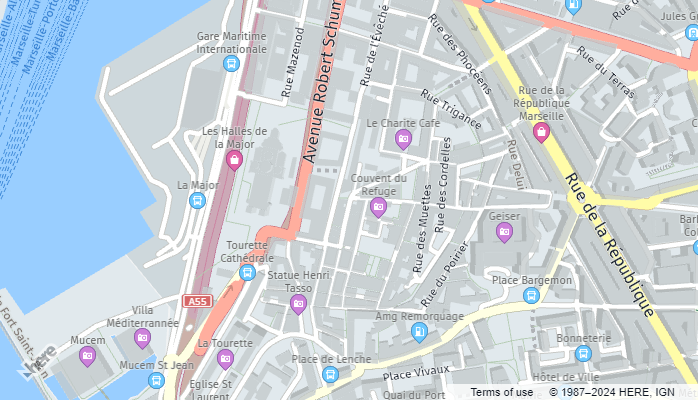
The HERE Vector Tile API provides map data where spatial features like roads and buildings are defined by encoded vector data rather than pixel-based images. Vector maps offer scalability, interactivity, 3D and rotated views, data efficiency, easy customization, and device independence.
The following example shows a vector map in the Maps API for JavaScript:
HERE Raster Tile API
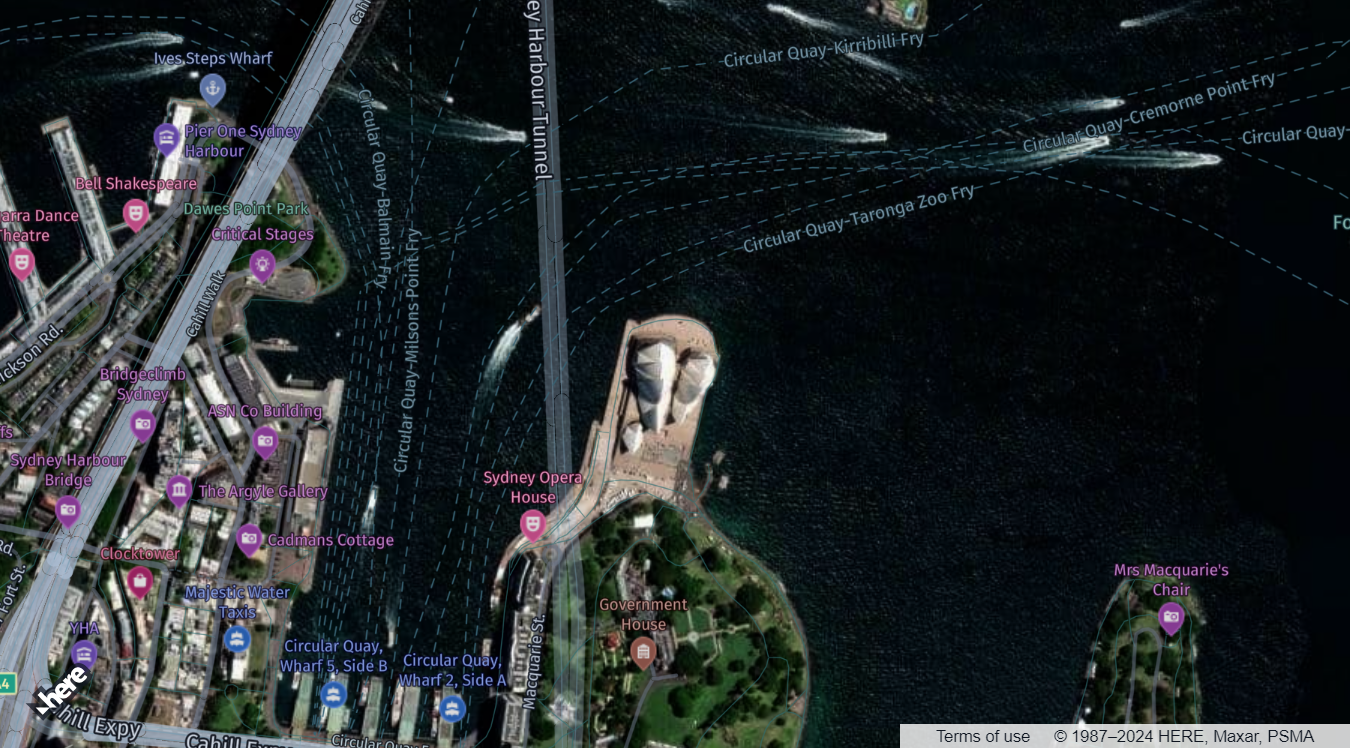
The HERE Raster Tile API offers map data presented as image-based representations of geographic features. Raster maps vividly depict terrain, roads, landmarks, and other features through pre-rendered sets of raster tiles, with a wide variety of predefined styles available. Recognized for their simplicity, speed, detailed imagery, and wide compatibility, raster tiles excel as a supplement to vector data by providing satellite imagery as the background layer.
The following example illustrates a hybrid map featuring a satellite background rendered with raster tiles, with vector data overlaid on top:
Set the base map type
You can configure the Maps API for JavaScript to use either vector or raster map type through the createDefaultLayers method, which simplifies the handling of different map layers associated with these types. These default layers include the basic map types such as normal map, satellite map, terrain map, and others. By using this method, you can quickly configure your map to display commonly used map types without having to set up each layer individually.
The following example shows how to render a vector map through the createDefaultLayers method in the Maps API for JavaScript with just a few lines of code:
// Initiate and authenticate your connection to the HERE platform:
const platform = new H.service.Platform({
    'apikey': 'YOUR_API_KEY'
  });

// Obtain the default map types from the platform object:
const defaultLayers = platform.createDefaultLayers();

// Instantiate (and display) a map:
var map = new H.Map(
    document.getElementById("mapContainer"),
    // Define the map type, the initial zoom value, and then provide center coordinates:
    defaultLayers.vector.normal.map, {
        zoom: 16,
        center: {
            lat: -33.8568,
            lng: 151.2153
        }
    });
Overlay additional data
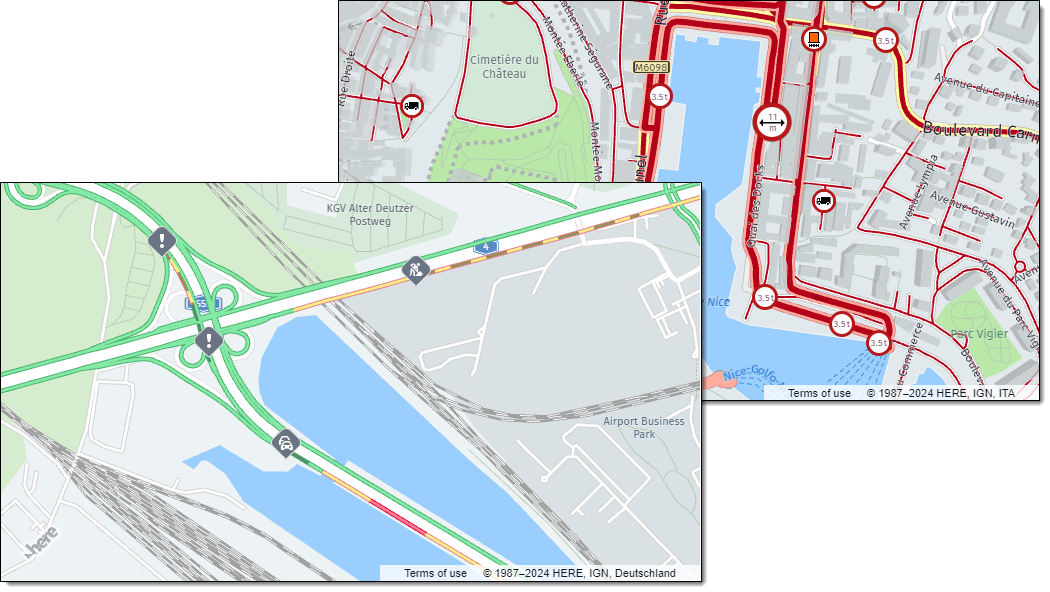
In addition, the createDefaultLayers method simplifies the process of adding commonly used map layers, such as traffic layers and truck-specific layers, without the need for extensive manual configuration.
For example, the vector.normal.trafficincidents layer is a pre-configured layer that displays traffic incidents on the map. You can add this layer to your map by calling the addLayer method on your map object and passing in the defaultLayers.vector.normal.trafficincidents object as the parameter.
The following examples show vector maps with traffic and vehicle restricton data as additional layers:
Next steps
For more information on the map types available in the Maps API for JavaScript, see the following sections:
Updated last month