

Launching HERE Style Editor
This section describes how to get started with the Style Editor. Here are a few simple steps to access the Style Editor and begin customizing your map style.
Get a HERE account
Obtain access to the HERE platform through your organization administrator's invitation or contact us to get started:
- If your company has already established a HERE platform organization, contact your organization admin who can invite you to join the organization.
- If your company hasn’t established a HERE platform organization yet, contact us.
Log in
- Log in to the HERE platform with your email address and password. Once logged in, you can find access to all functionality provided by the HERE platform.
- On the right-hand side, you'll find the launcher panel. Click on the HERE Style Editor link.
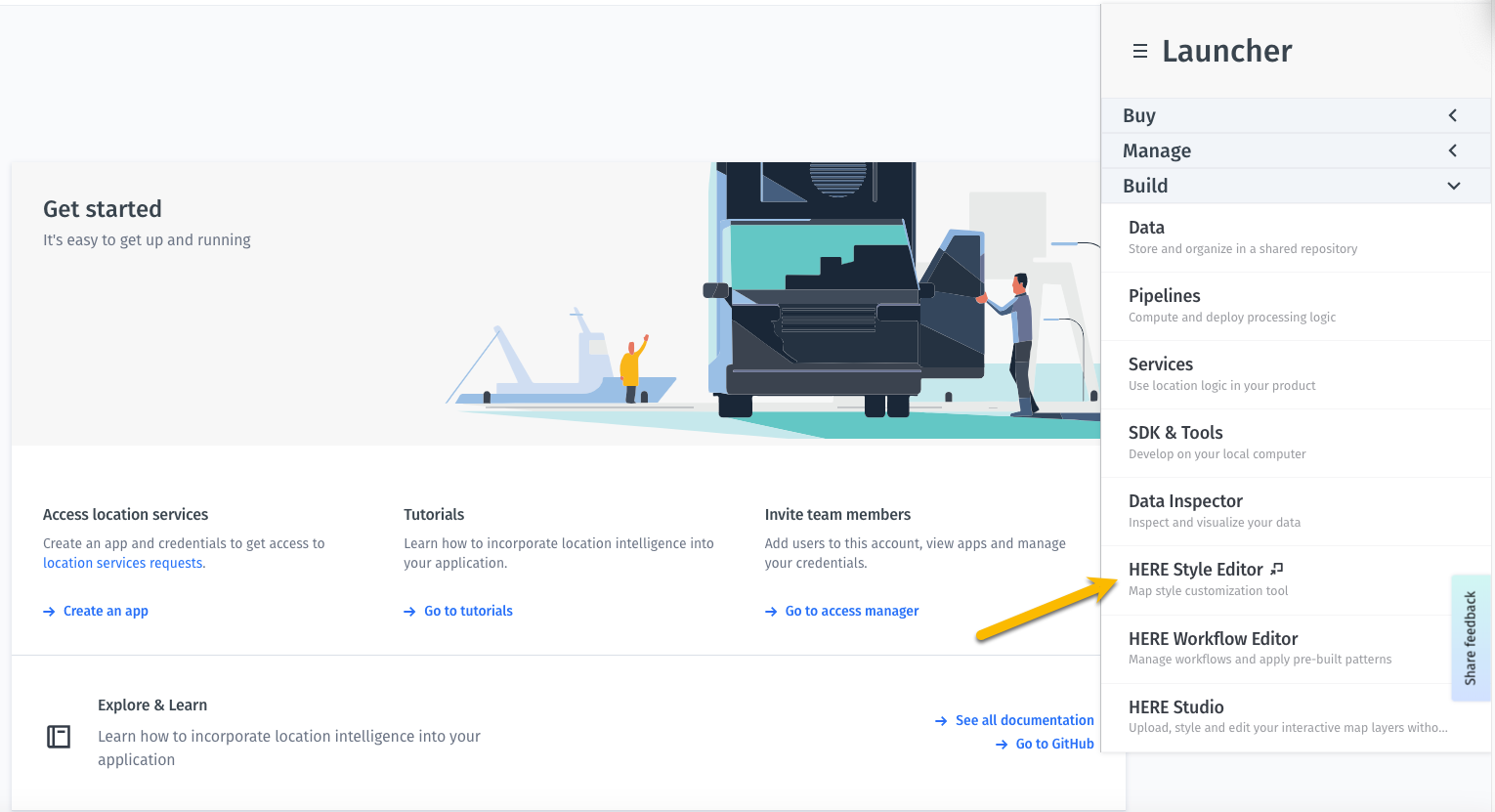
Launch Style Editor
- Once you have entered the Style Editor application, you need to choose whether you are creating a new style or opening an existing one.
- When you first login, select a base map style family and a specific flavor, such as the Day or Night base style. For more information about base map style options, see the map styles documentation.
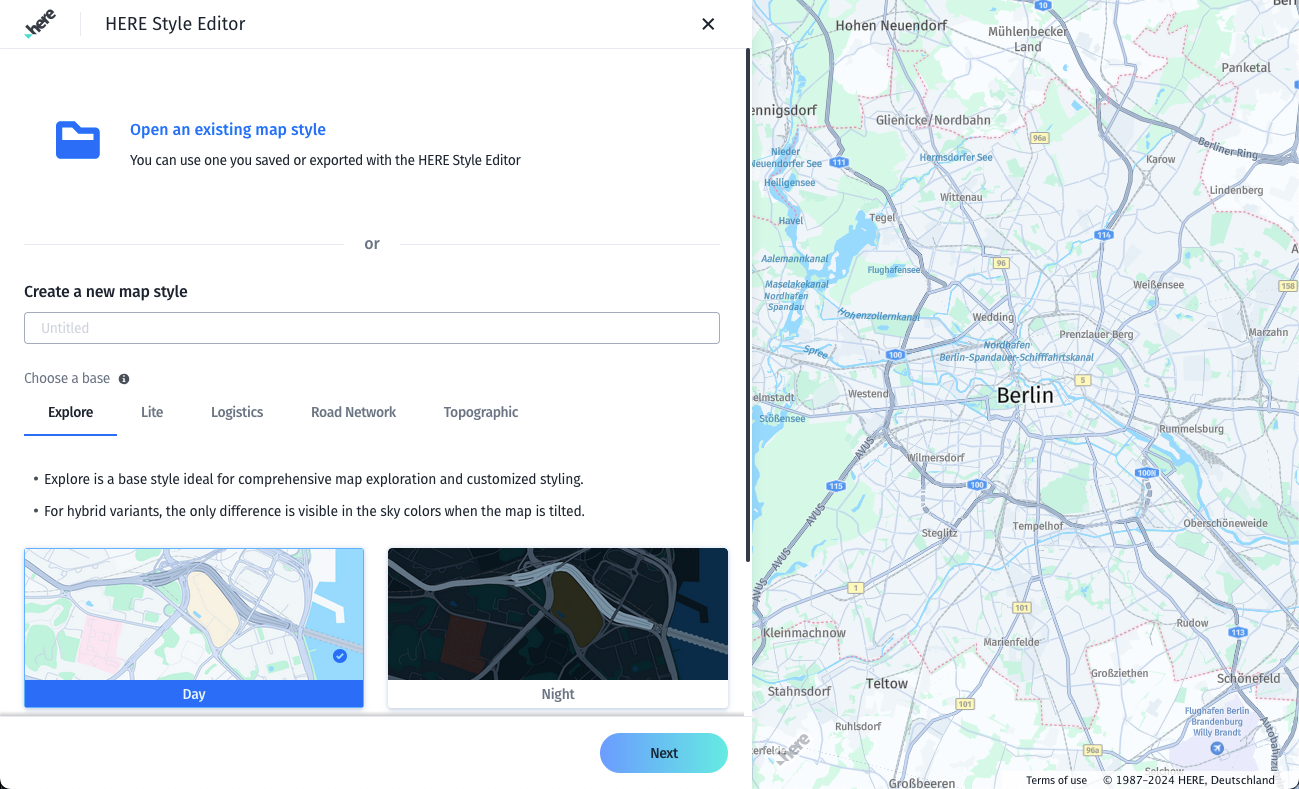
Choose a base style
- The application launches with an optional quick tour of the interface. Whether working with an already established style or creating a new style, you are now able to use all Style Editor functionality to customize your map.
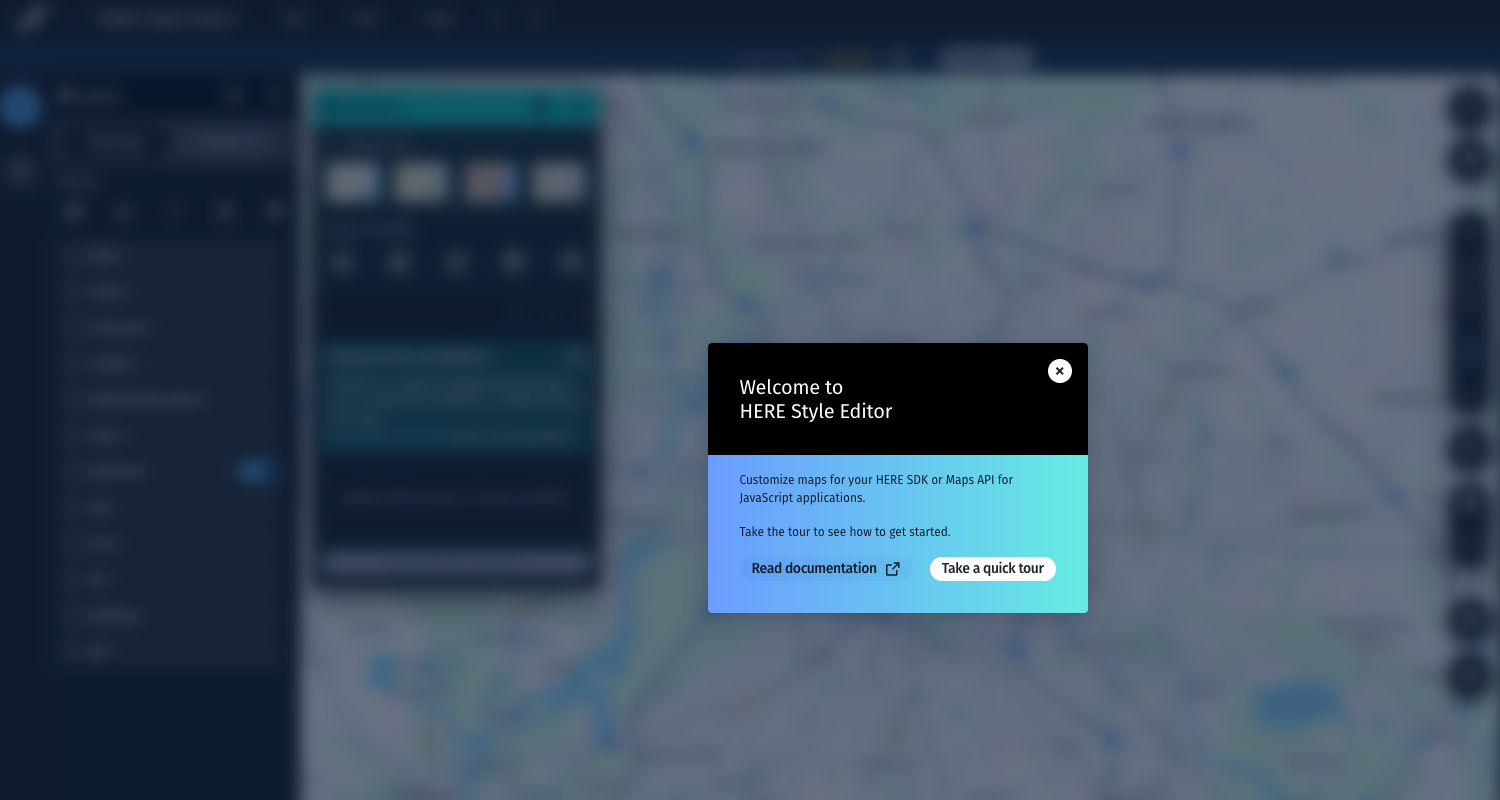
Quick tour start
Updated 3 months ago
Did this page help you?