

Introduction
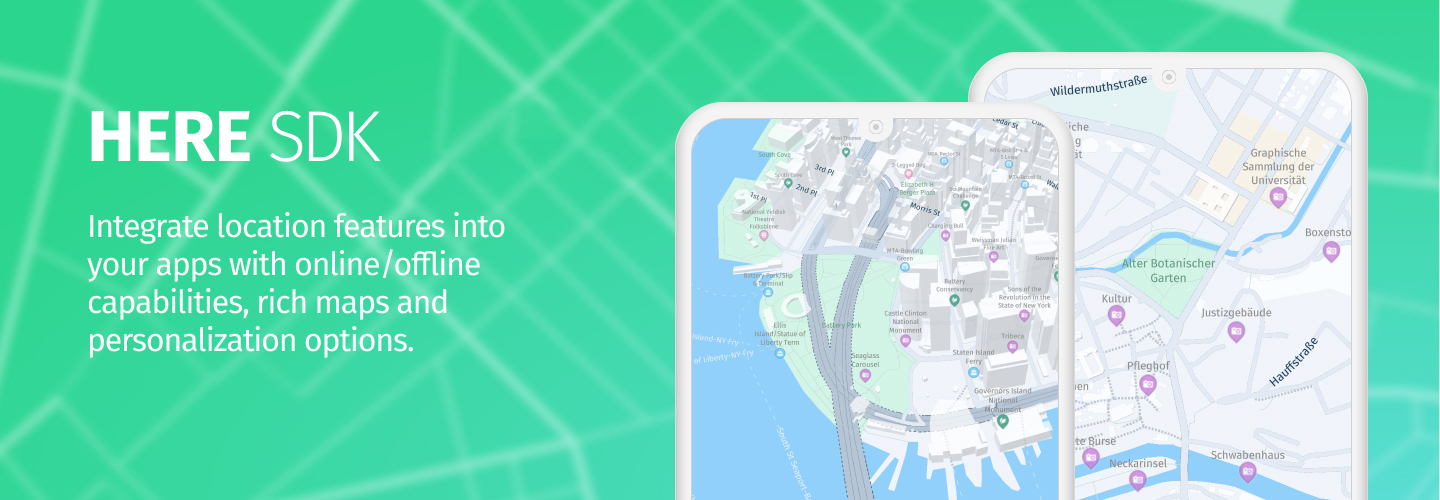
Welcome to the Developer Guide for the HERE SDK for Flutter, version 4.28.0.0. This guide provides all the necessary information to start building immersive, location-aware apps today.
Overview of HERE SDK 4.x
The HERE SDK offers a robust set of tools and features that allow you to integrate high-quality mapping, geocoding, and routing capabilities into your applications. With the HERE SDK, you can create custom map styles, implement advanced camera controls, and display various points of interest (POIs) to enhance the user experience. Whether you're developing a navigation app or a location-based service, the HERE SDK equips you with the tools needed to bring your vision to life.
Additionally, the HERE SDK for Flutter allows you to build powerful map applications for both iOS and Android from a single codebase written in Dart. This cross-platform support simplifies development and ensures a consistent user experience across devices.
Why use the HERE SDK for Flutter?
The HERE SDK comes bundled with numerous HERE assets, which are available on iOS for customers to integrate with their own apps. It consumes data from the HERE platform incorporating microservices and highly modularized components. The HERE SDK for Flutter belongs to the HERE SDK product family, which also includes the HERE SDK for iOS and the HERE SDK for Android.
- Backed by more than 30 years of expertise in mapping technology, the HERE SDK for Flutter provides you with instant access to the freshest map data of the highest quality, consistency and accuracy.
- Build captivating native applications and benefit from one of the world’s most accurate and interactive map data that is captured via a comprehensive and precise industrial process with the HERE True vehicles .
- Explore maps that are fast and smooth to interact with, pan/zoom across map views of varying resolutions, and enable the display of various elements such as routes and POIs on highly customizable map views.
- Benefit from the same technology stack that empowers the HERE WeGo Flutter application.
- Get started today by choosing between different licenses, such as the Explore license for quick setup or the Navigate license to add feature-rich turn-by-turn navigation to your application.


Start creating applications with HERE SDK in a matter of minutes. To learn how to download the HERE SDK package, get app credentials, set up access rights, use examples, and more, see Get started.
Updated 3 days ago