

How to create GeoJSON from Shapefile using QGIS
Create GeoJSON from Shapefile using QGIS
Problem Statement:
I would like to create ‘City Polygons by Country’ using ‘HERE Enterprise Boundary World Shapefile’ and my current software is set up to use only GeoJSON format.
Steps to Create:
1. Download latest ‘HERE Enterprise Admin Boundaries Shapefile World’ product
1. *Note: FGDB format can also be used same way by simply loading same layer in FGDB format
2. Load Layer
1. Example: \base\AMERICAS \AMERICAS_CA_L20.shp
3. Query Desired Data using ‘Query Builder’ (QGIS_CreateFeatureFilter_GeoJSON_Step1.png)
1. Example: “FEATURE_CLASS” = 4130003 AND “ISO_COUNTRY_CODE” = ‘MEX’
1. Above step selects all City Polygons for Country of Mexico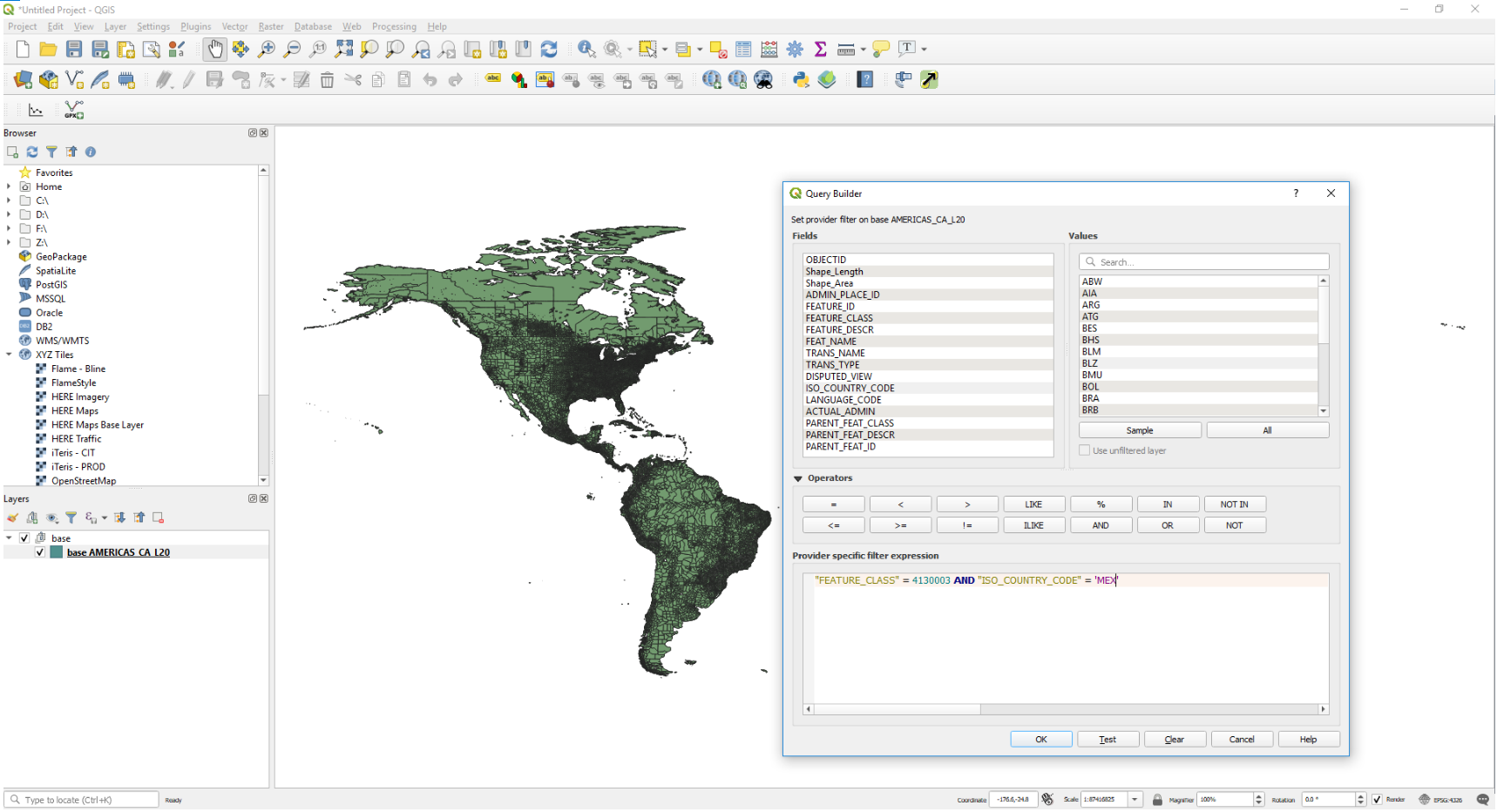
4. Export Data: (QGIS_Create_GeoJSON_Step2_Export.png)
2. Export – Save Feature As… - Format: GeoJSON
1. Specify File name and folder location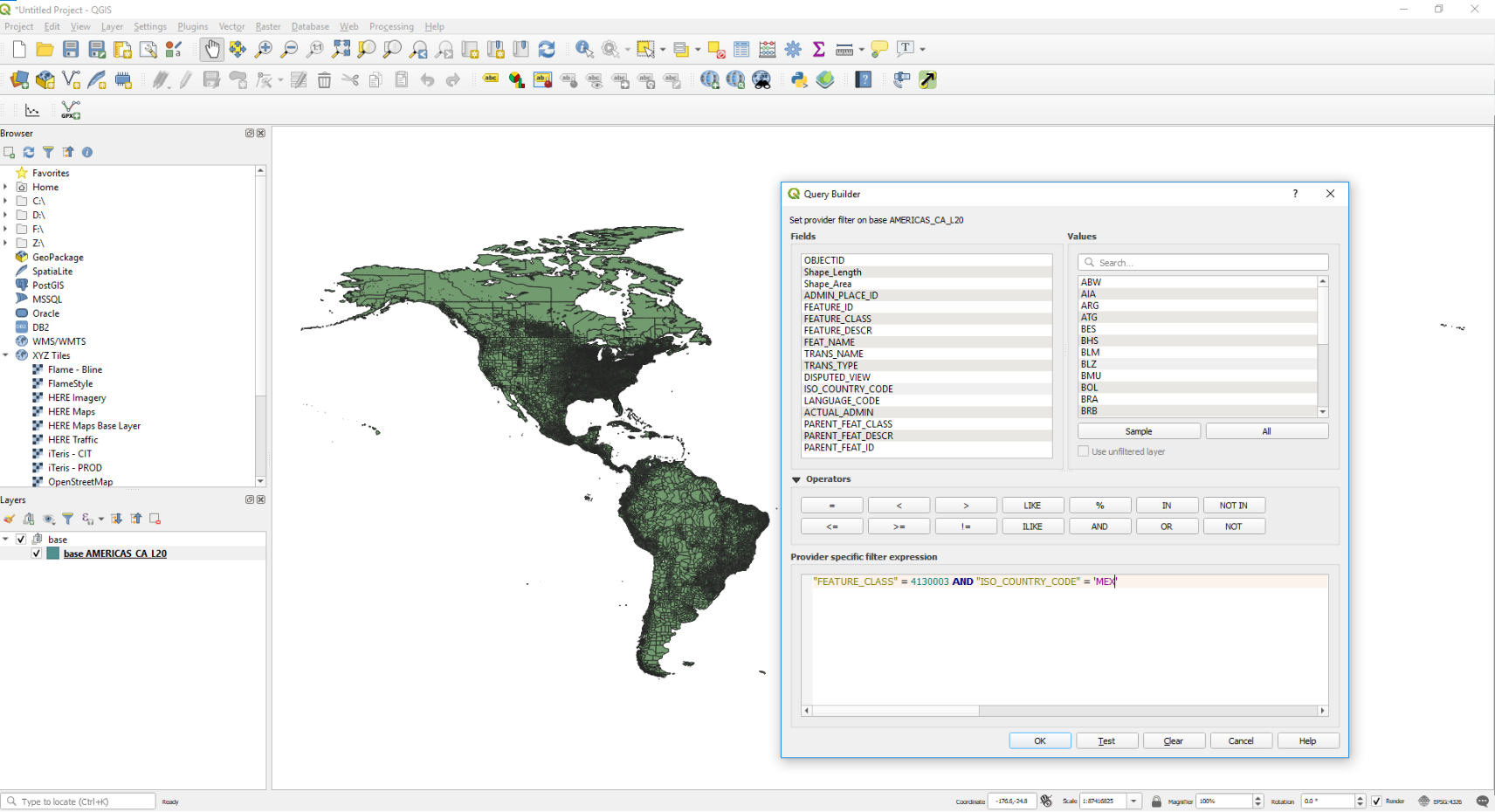
5. View New Data (QGIS_ViewGeoJSON_Step3.png)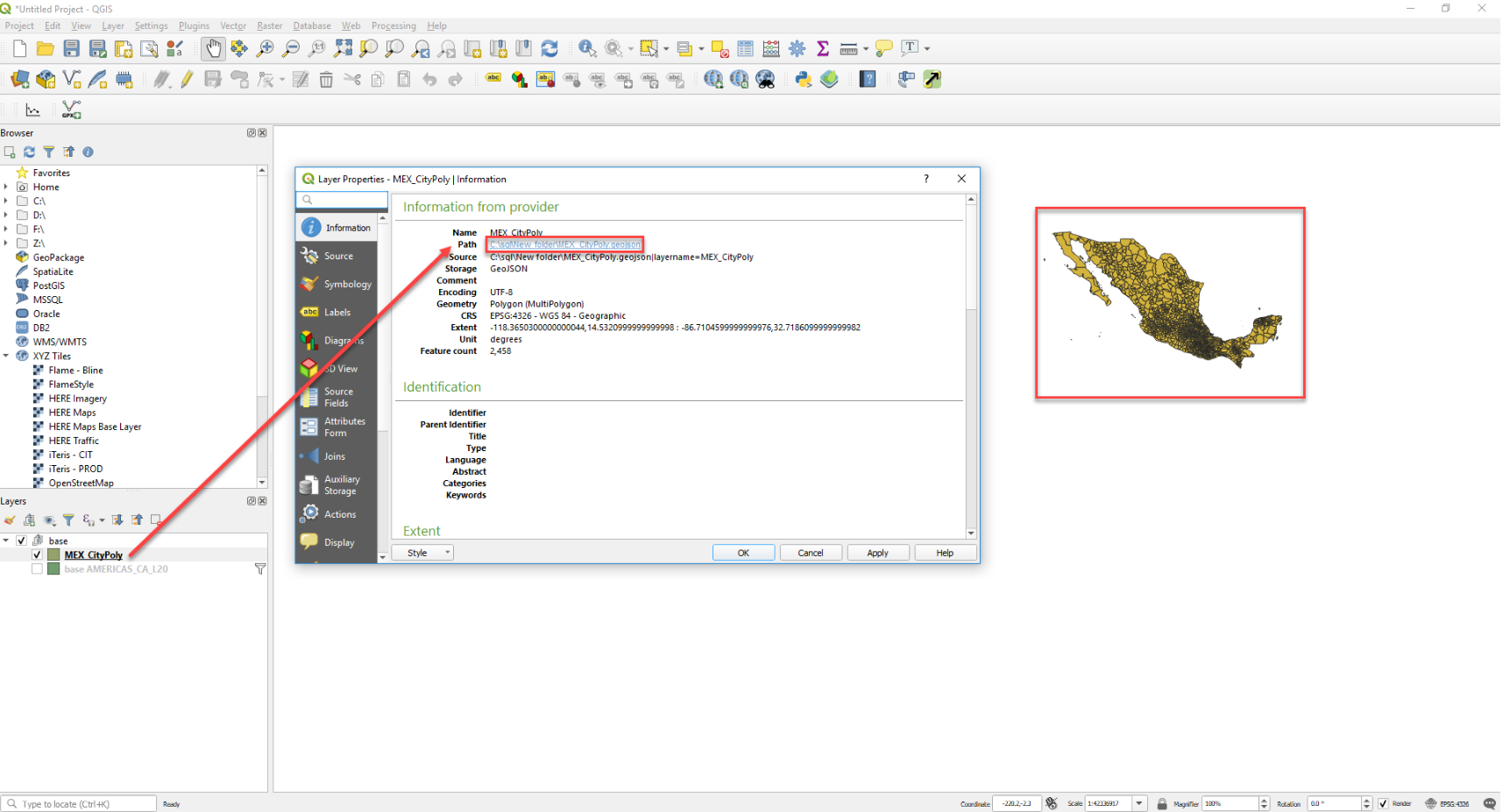
Updated 23 days ago