

[Navigation SDK] Shift the Map View with VisualNavigator
You may have custom widgets on the map view when implementing the Navigate SDK
Taking the following screenshot as an example, you may want to shift the map a little bit to the right side of the screen to avoid the widgets and better display of the map view.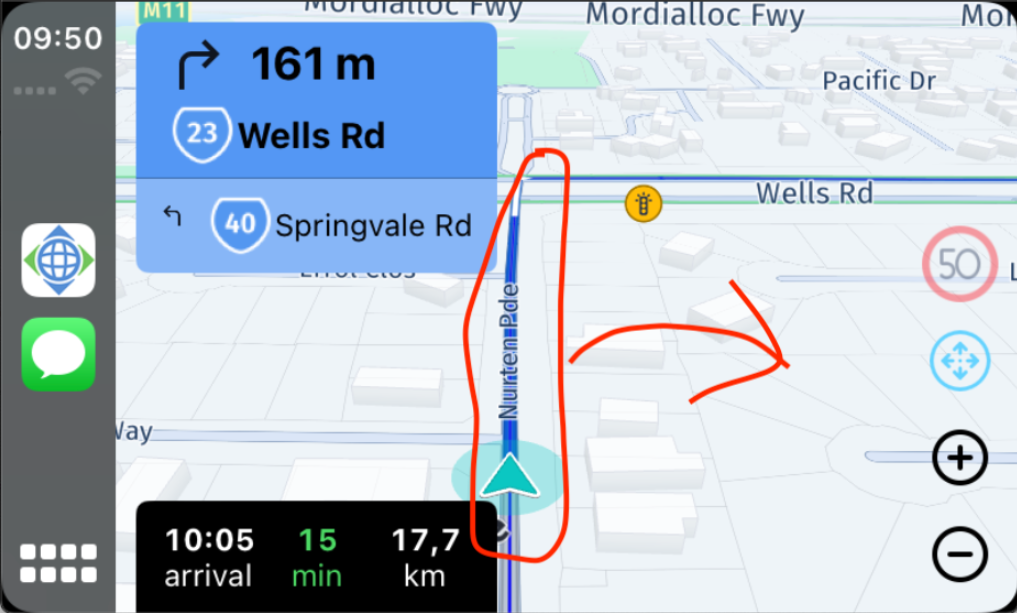
The implementation code snippets for Android and iOS are as follows specifically:
Android
<br /> visualNavigator.getCameraBehavior().setNormalizedPrincipalPoint(new Anchor2D(0.75, 0.775));<br />
iOS
<br /> visualNavigator.cameraBehavior.normalizedPrincipalPoint = Anchor2D(horizontal: 0.75, vertical: 0.775)<br />
The implementation in the Navigate apps for Android and iOS is as follows:
Each CameraBehavior (FixedCameraBehavior, DynamicCameraBehavior, and SpeedBasedCameraBehavior) has its normalized principal point.
Whenever you create and set a new camera behavior, the normalized principal point needs to be set again.
For the Navigate example app for Navigate SDK of Android, the following changes would provide the desired behavior:
Just remember to add the following line of code to each visualNavigator.setCameraBehavior() call:<br />visualNavigator.getCameraBehavior().setNormalizedPrincipalPoint(new Anchor2D(0.75, 0.775));<br />
The result of the above change on the HERE SDK Navigate sample app is as follows:
The center of the map during navigation is shifted to the right and bottom of the screen. You can fine-tune the values in Anchor2D() to meet your needs.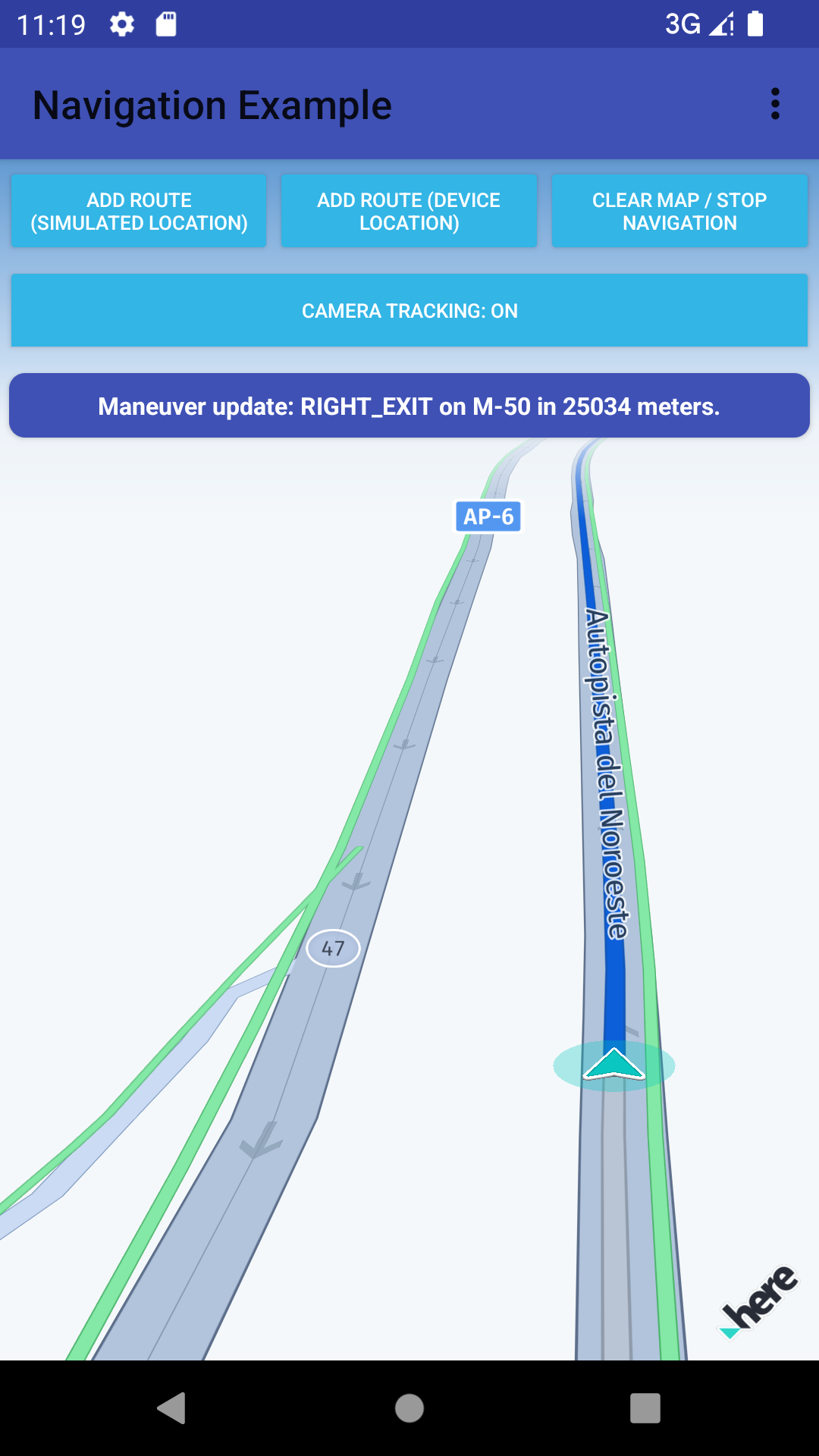
Updated 23 days ago