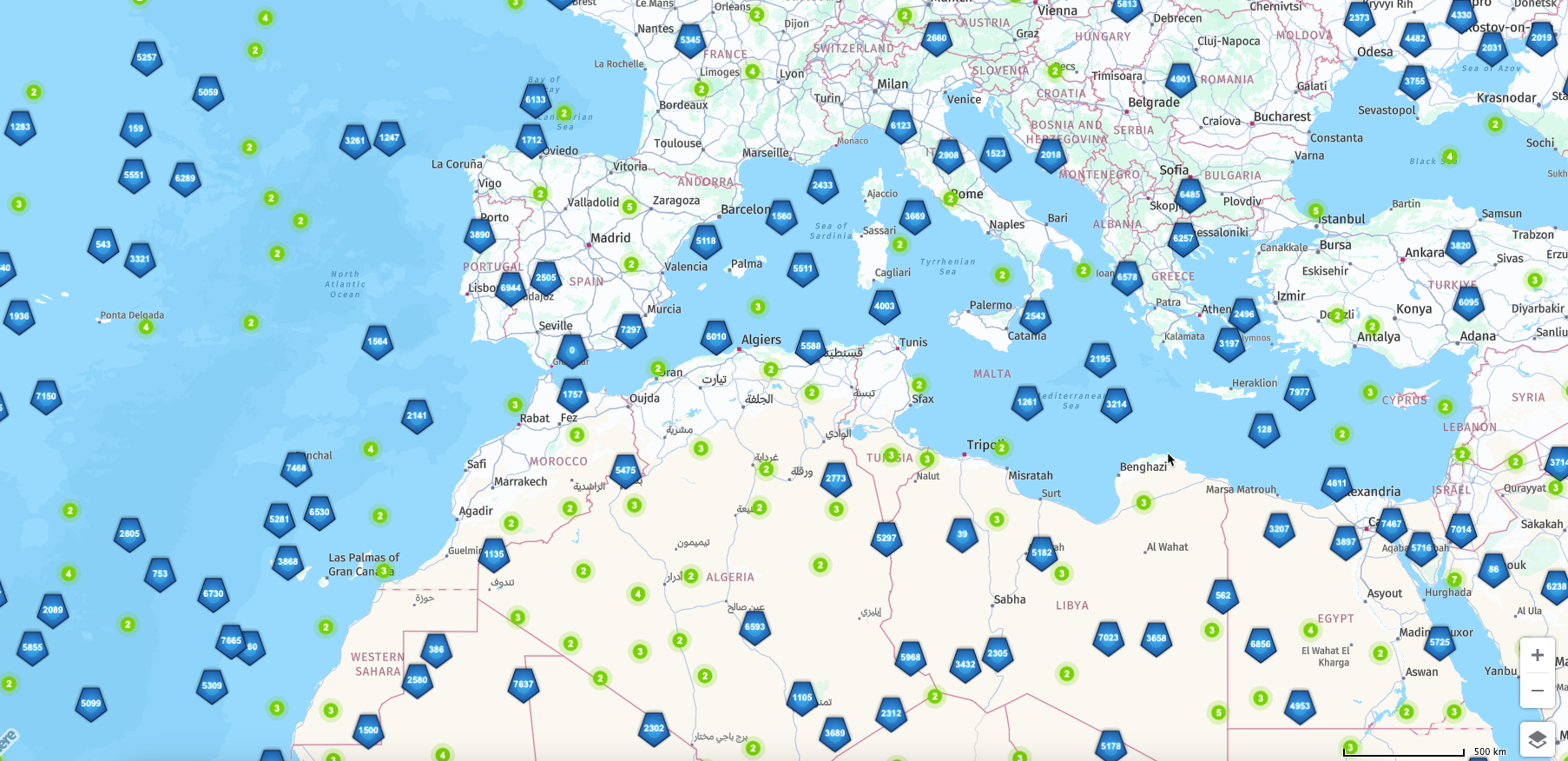
Boosting HERE Web SDK Clustering Performance with Lazy Icon Rendering
Improving HERE Maps JS API Clustering Performance with Lazy Rendering of Different Types of Icons
Problem
When working with HERE Maps Web SDK, rendering a large number of clustered markers with unique or dynamically generated SVG icons can significantly degrade performance. This can lead to a sluggish map experience and even cause the entire UI to freeze, especially during map interactions or zooming. The root of the issue lies in the heavy CPU load required to render and update complex marker icons in real time.
Solution (see also attached example file lazy_icons.zip)
To address this, we implement a lazy icon rendering strategy that decouples the expensive SVG icon generation from the clustering initialization phase. By initially using lightweight placeholder icons and deferring actual icon rendering until necessary, we can greatly improve responsiveness and performance.
Action Plan
1. Initialize ClusteringProvider with Placeholder Icons
1. At the start, create a single transparent (or minimal) icon and reuse it for all noise and cluster markers. This keeps the clustering initialization fast and avoids performance bottlenecks.
2. Track Visible Markers with getObjectsWithin
1. On every mapviewchange event, use the getObjectsWithin method of the ClusteringProvider to retrieve only those markers that are currently visible within the map's viewport.
3. Render Actual Icons via requestAnimationFrame
1. For each visible marker, generate its actual SVG-based icon, but do this one at a time using requestAnimationFrame. This spreads the load across multiple frames and prevents UI blocking. Each icon is assigned individually without triggering full cluster re-renders.
Conclusion
Lazy rendering of icons significantly improves the performance and fluidity of HERE Maps applications that rely on clustering large sets of custom markers. This approach ensures that the user interface remains responsive even with dynamic and complex visuals.