

Uploading data to versioned layer via https://platform.here.com/data
Once you have created a catalog and a layer within the catalog, you can upload your data to this layer. There are many ways to upload data to layers – using platform Portal, Command Line Interface, Data API and REST API.
However uploading data through Portal comes with certain limitations:
1. You can upload data only to versioned layer via platform Portal.
2. You can upload only up to 5000MB of data through Portal.
Below is an example on how to upload data to a versioned layer.
To upload data to versioned layer through Portal:
1. Sign into your realm in platform Portal. If you are not sure how to sign in, then search for Sign into platform portal in Knowledge base.
2. Click Data in the Launcher to see the list of catalogs and layers that you have permissions to read.
3. Search your catalog in the search box and click on it to view the catalog overview page. In this example , we have used 'krithiga-test-catalog'.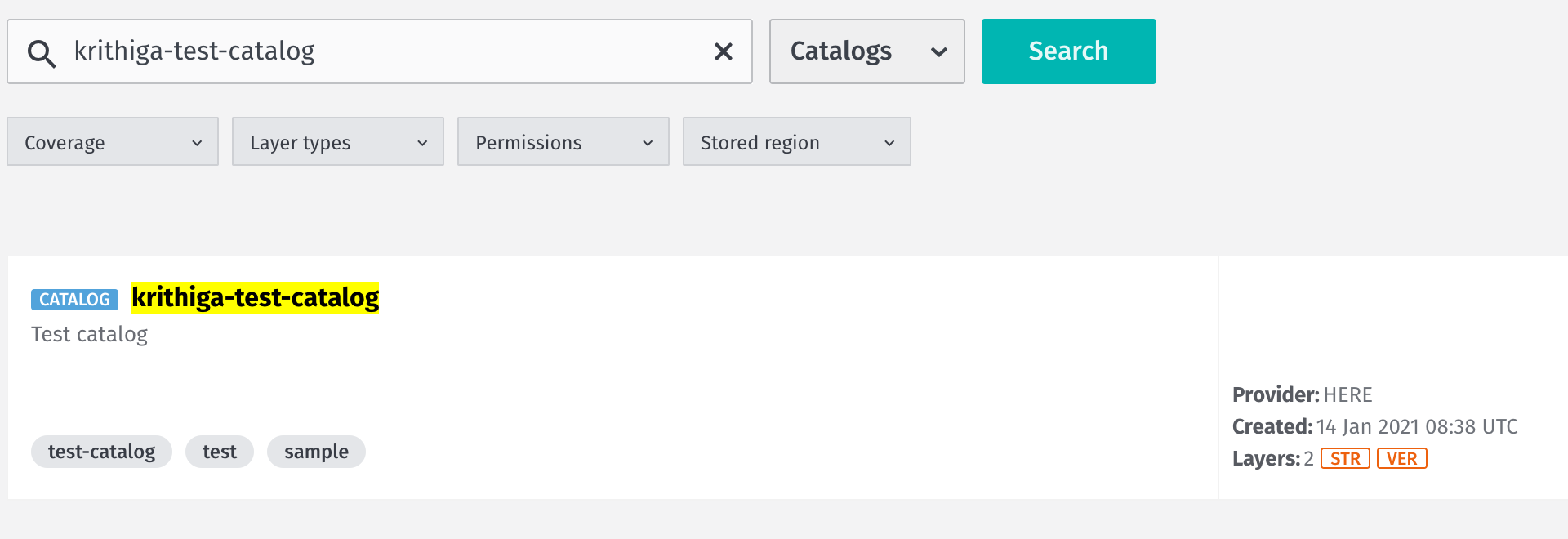
4. Once you are in the catalog overview page, you can see the list of layers in that catalog. Click on the layer into which you would like to upload your data. We have chosen 'test-version-layer' from the example catalog.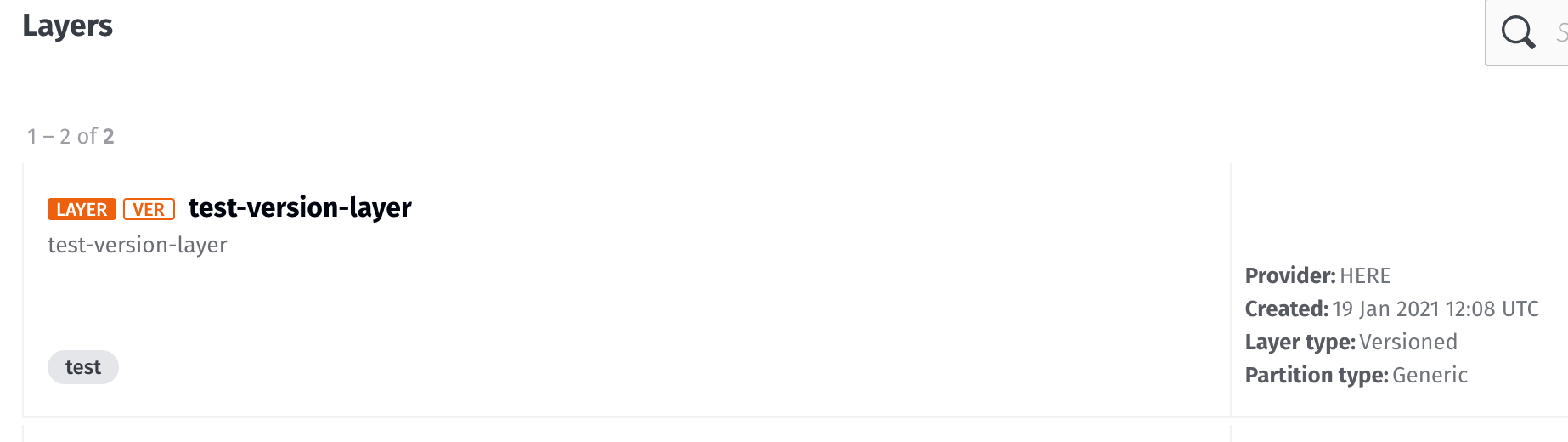
5.. On the layer overview page, click on the More drop down available on the right side.
6. From the drop down choose Upload data.
7. Now you can select the file you want to upload from your local directory and then click Upload.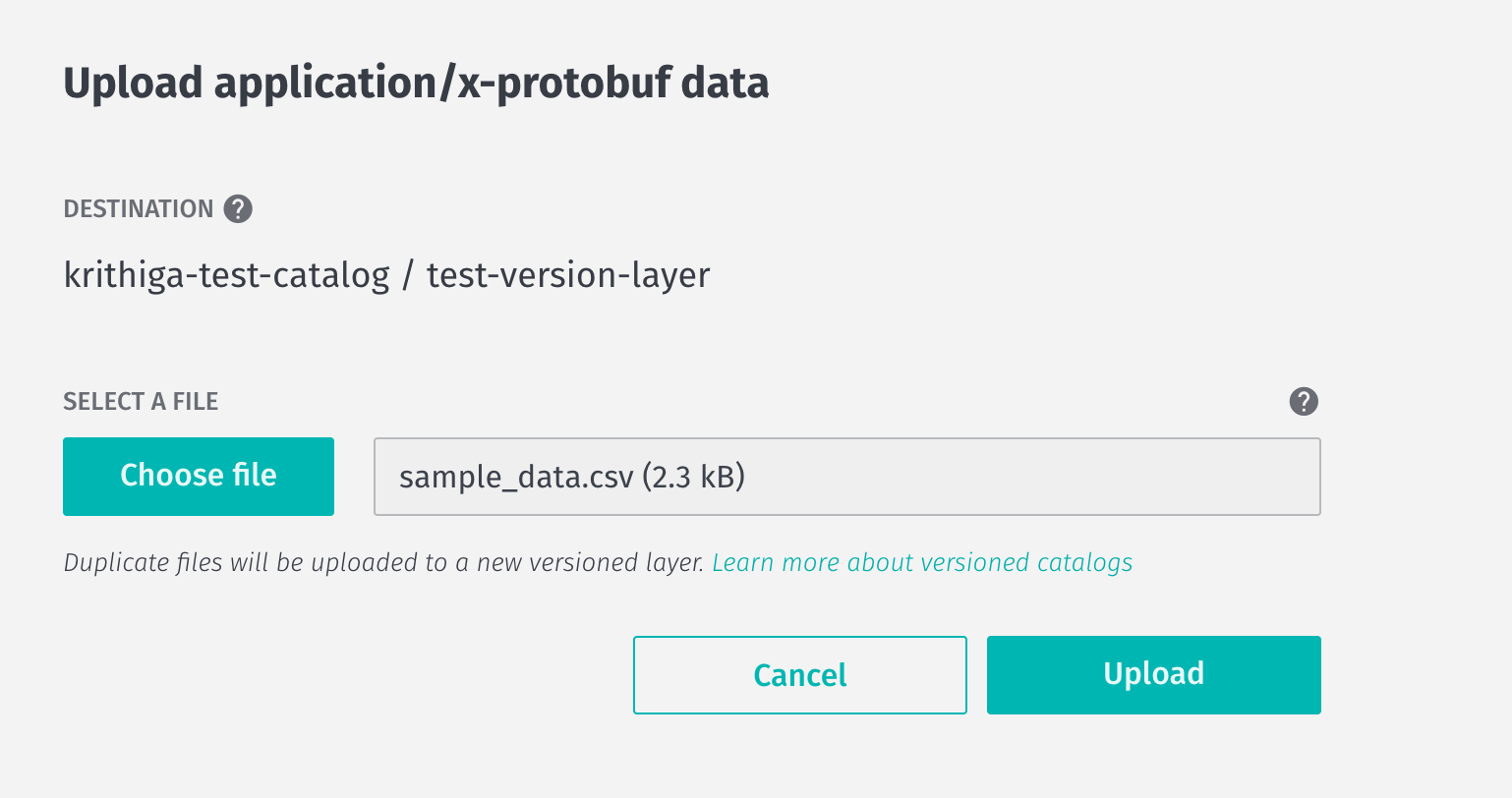
8. Once your upload is complete you will be able to inspect your data in the Portal.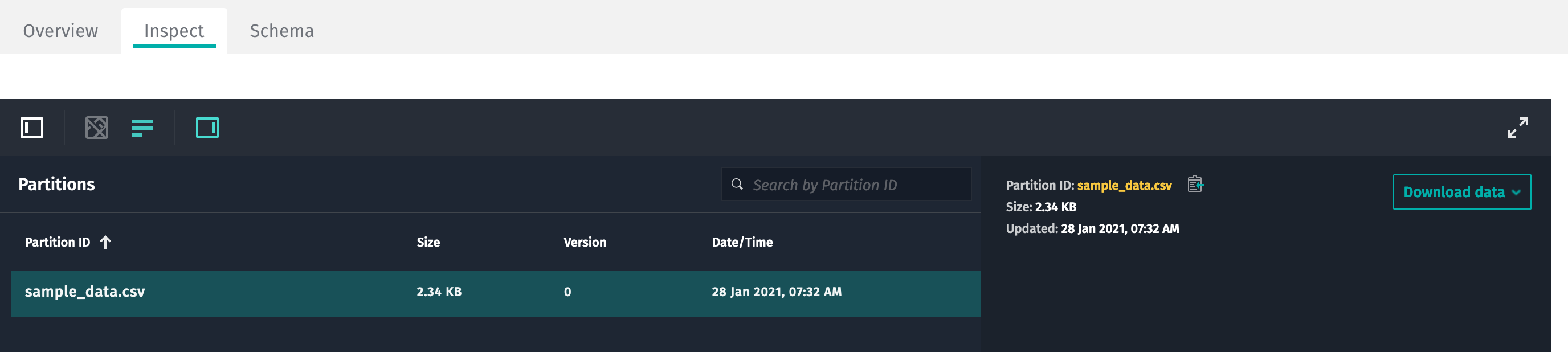
9. Now your data is available in the platform platform.
Note: If the More option doesn’t show up or if you are unable to upload data it is due to lack of permission to write to the catalog. Contact the catalog owner to get write access to the catalog.