

[WeGo] How to Register or Sign in to HERE WeGo or delete WeGo account
Register and login to WeGo with the default HERE realm account
You can use HERE WeGo without sign in, but signing in allows you to favorite locations and edit HERE maps.
You can click the top right "Sign in / Register" button to Sign in or Register HERE WeGo account.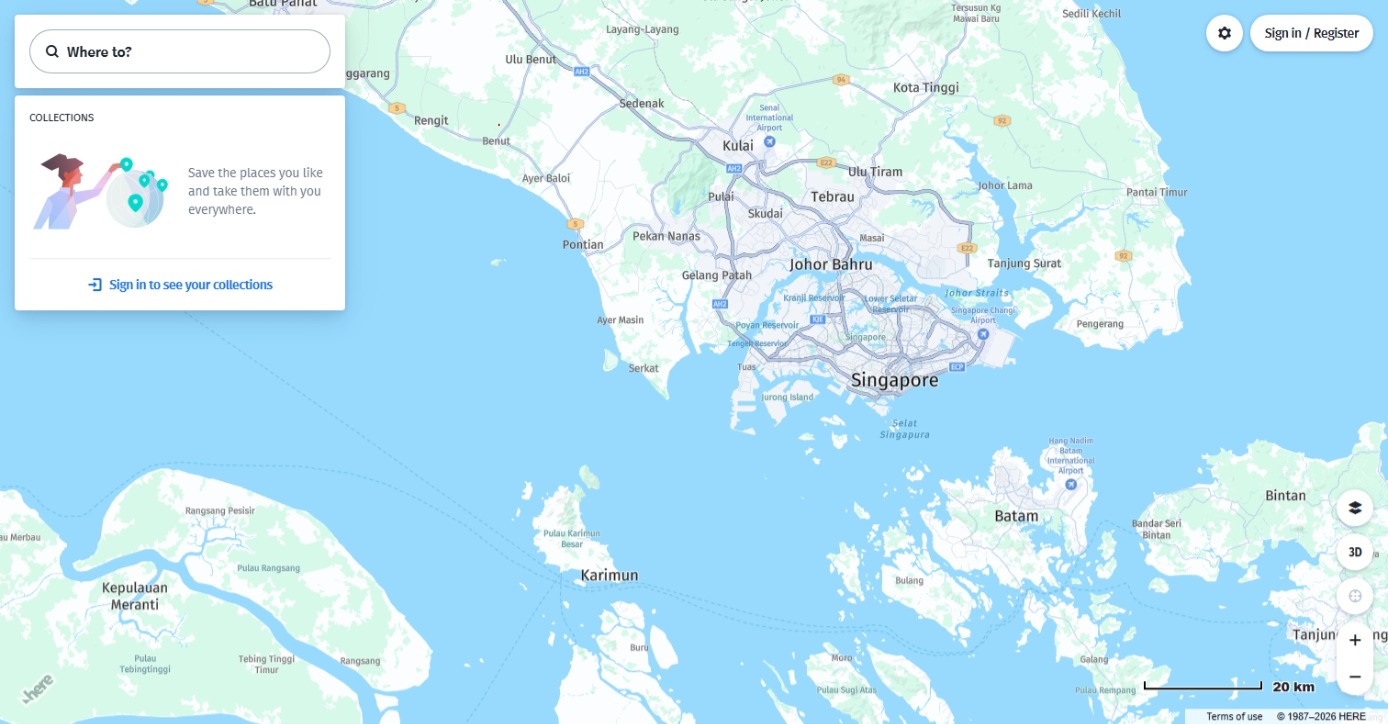
Sign in or Register page does not contain an Organization ID field
Because HERE WeGo is using the default HERE realm with realm ID of "HERE".
* Sign in - there is no Organization ID field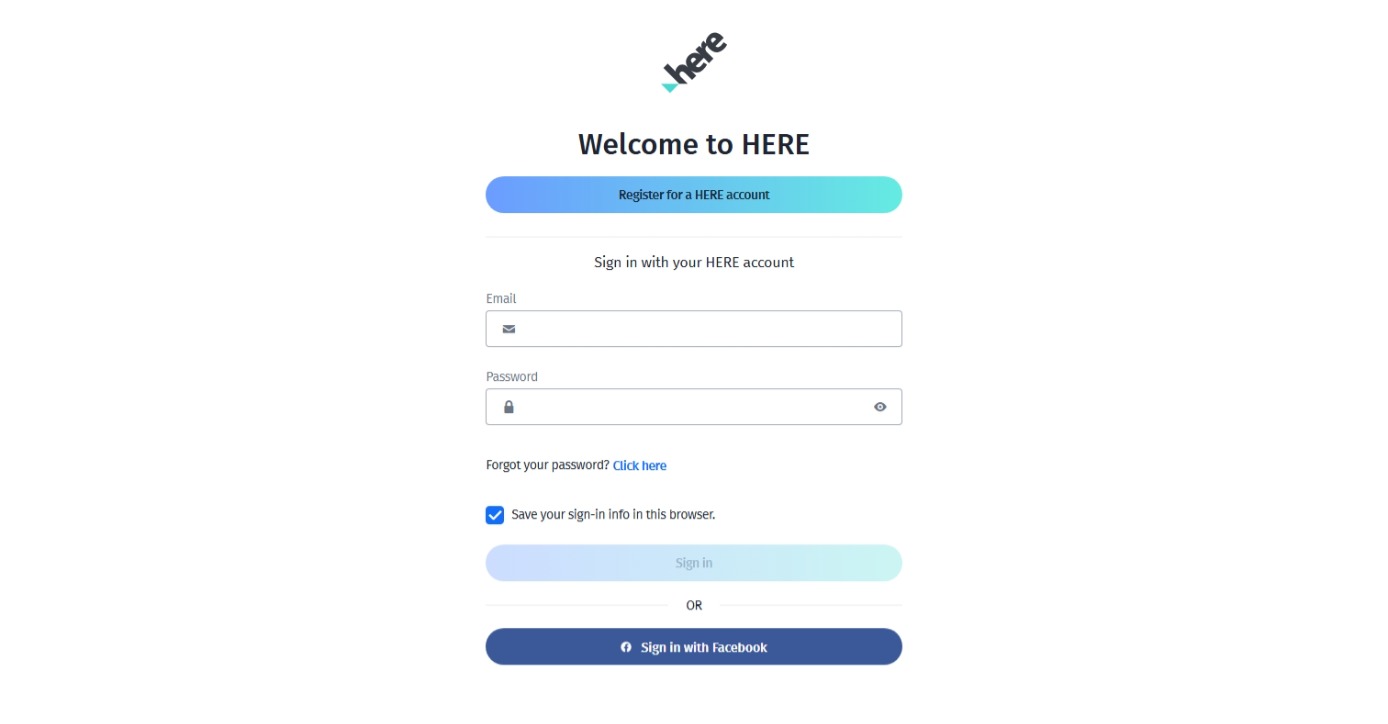
* Register - there is no Organization ID field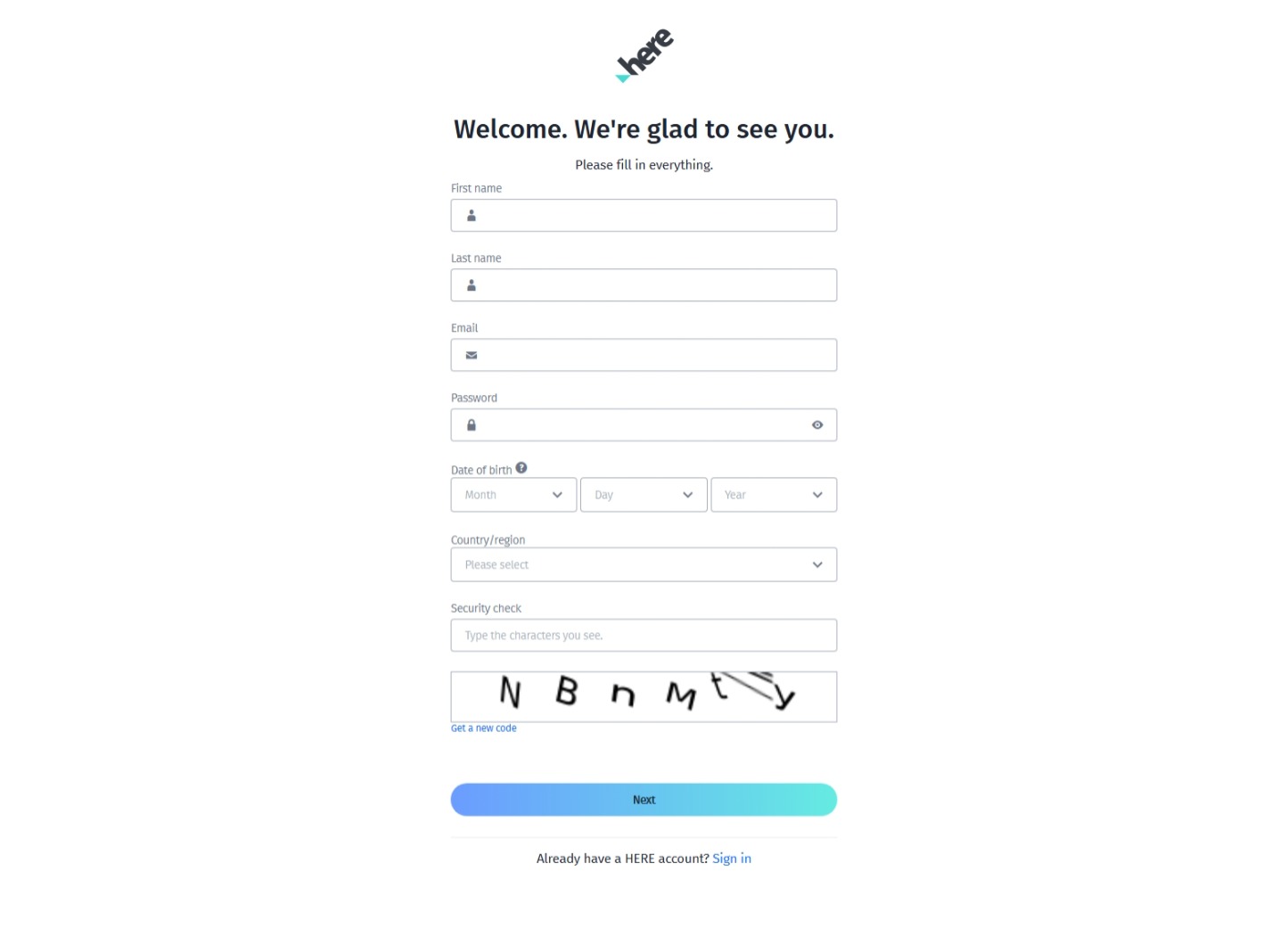
On contrast, the login page for HERE platform contains an Organization ID field if you have multiple realms.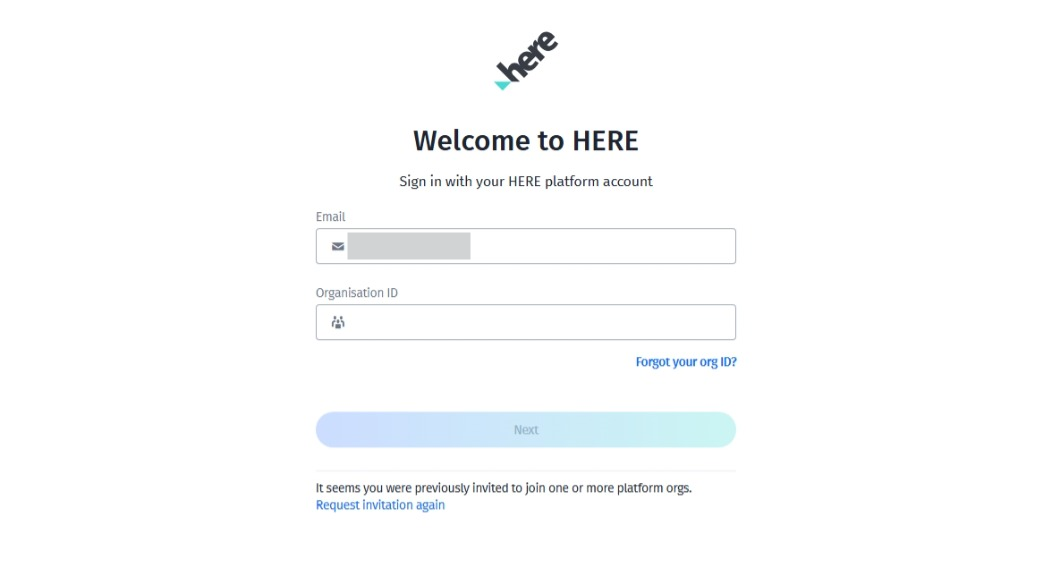
HERE WeGo accounts are different from HERE Platform accounts, and they cannot be used across each other.
Delete or deactivate a HERE WeGo account by sending email or web form request:
Method 1: send an email to [email protected] stating that you want to delete your HERE WeGo account.
Method 2: open HERE Data Subject Request | Legal, security, privacy and compliance and submit the request form.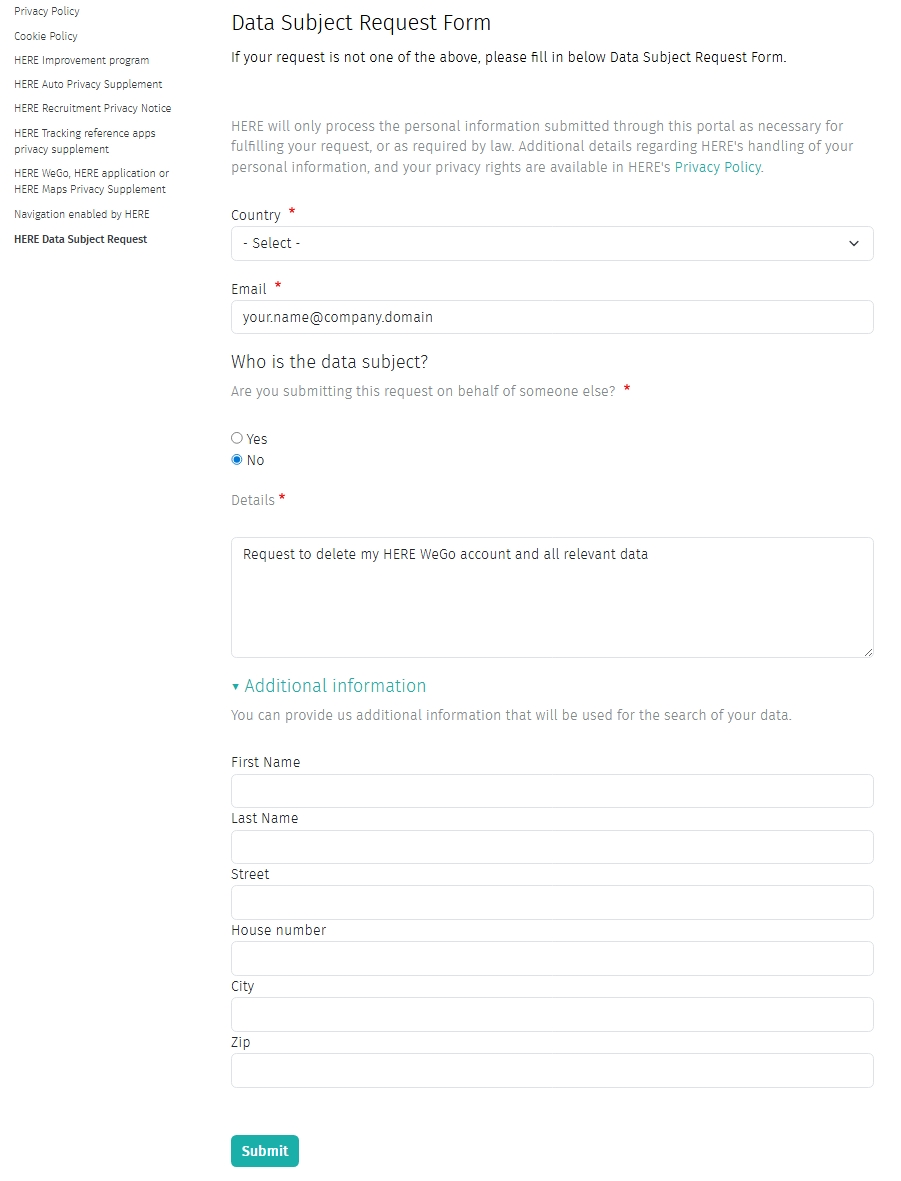
HERE WeGo support team or HERE support team
You can feedback suggestions regarding WeGo and get in touch with WeGo support team at [email protected]
Further HERE WeGo support or other support topics are available at HERE WeGo Support